 iZop Cut project revision
Revision saved
Opening clip split at 00:03. Punch-in applied to the opening shot.
 iZop AI
Trim clips, style captions word by word, and mix music and sound effects in your browser using your iZop Library.
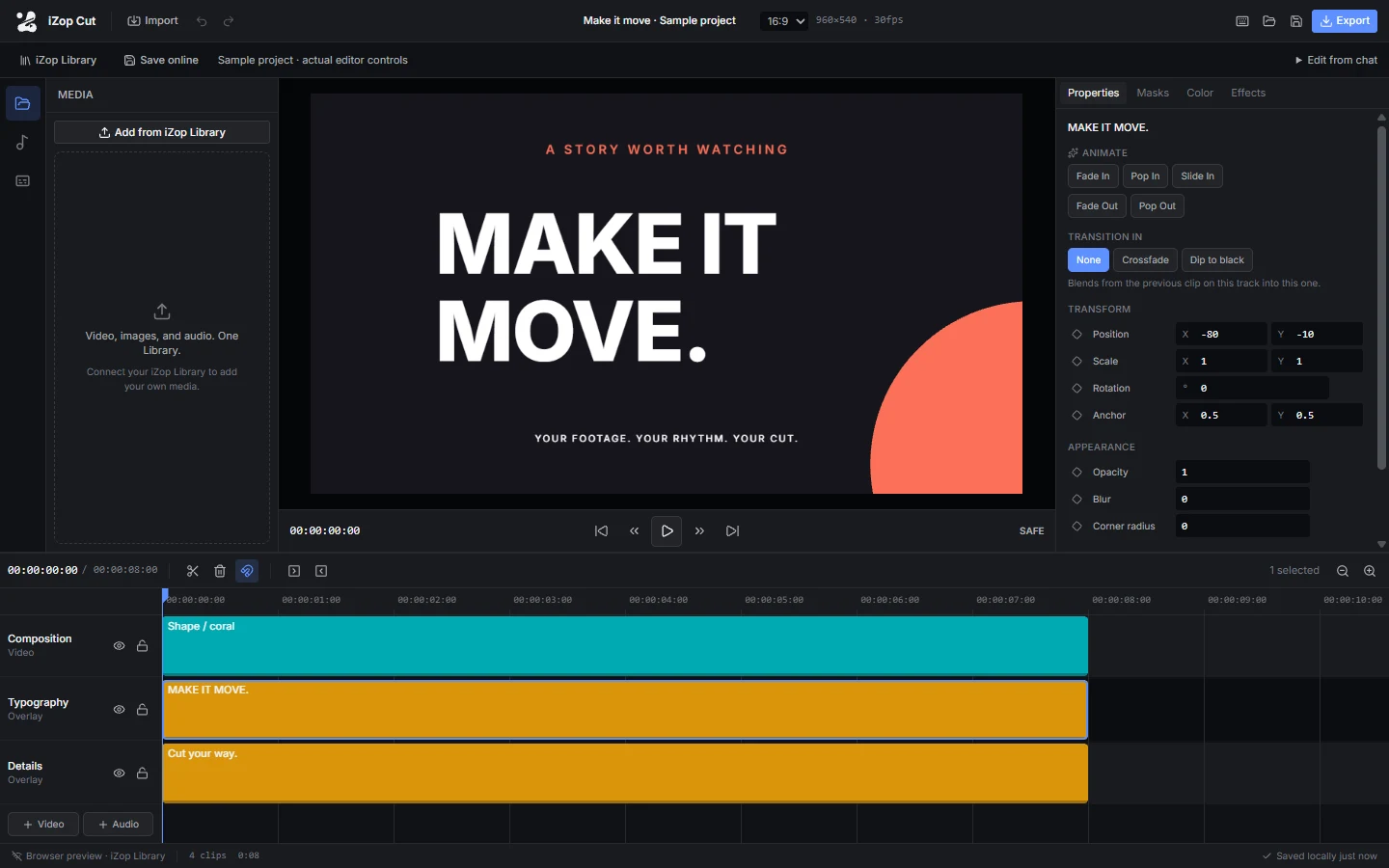
Split clips at the playhead, stack titles over footage, and fine-tune position and scale in the Properties panel.
Try it in the editor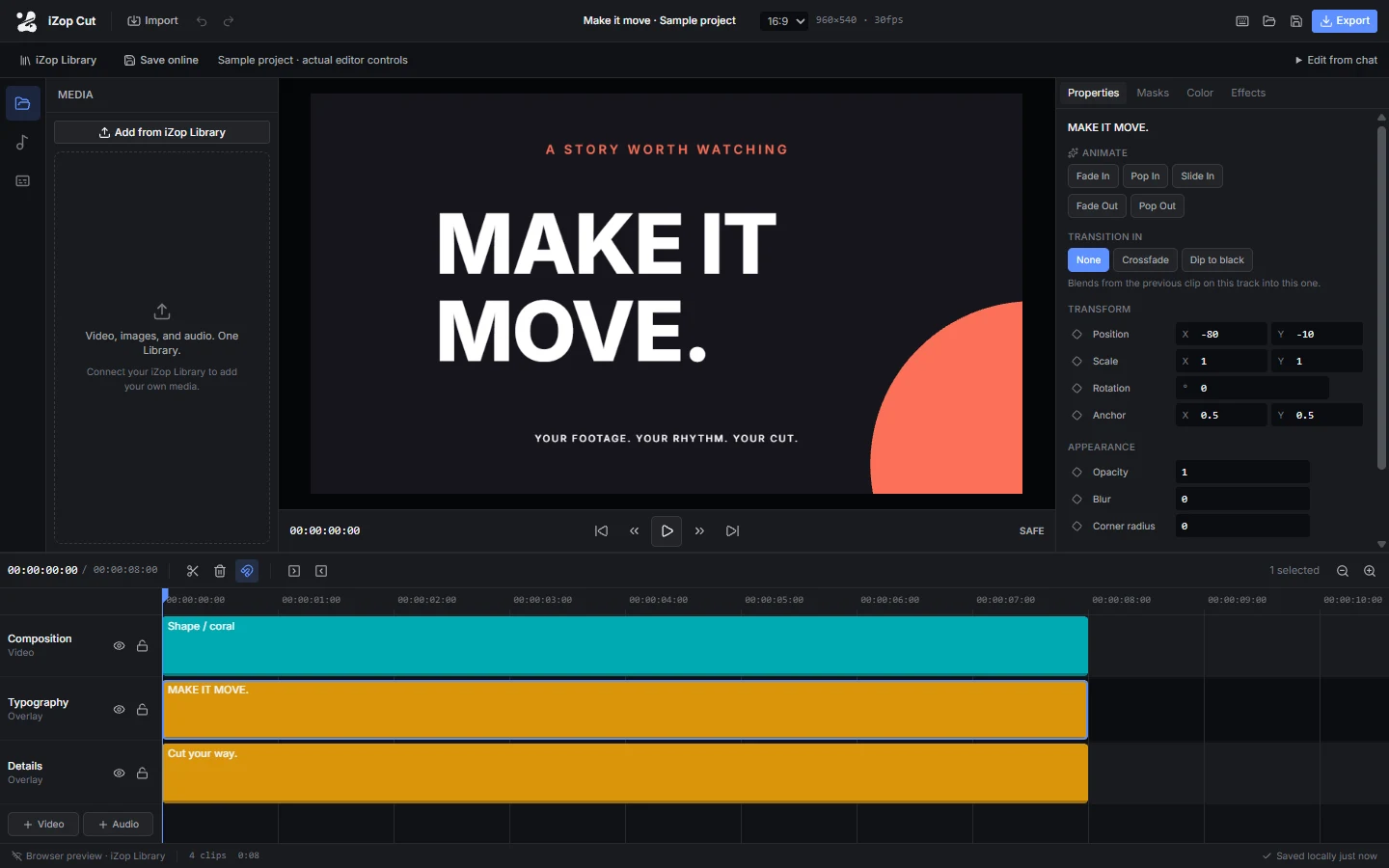
Connect ChatGPT or Claude through MCP. Save your project online, describe an edit in chat, then choose Load latest in Cut to review the revised timeline.
Connect ChatGPT or Claude iZop Cut project revisionOpening clip split at 00:03. Punch-in applied to the opening shot.
Use the video editor with a free iZop account. Your plan determines how much footage, music, and other media you can keep in your Library.
Yes. Open the sample project to try the timeline, inspector, and caption tools.
Export MP4 or WebM from your browser and choose the resolution, frame rate, and quality.
Projects can be up to 10 minutes, with media files up to 100 MB each and up to 100 saved projects per account.