Knowledge base
Current product behavior, including plan limits and platform rules. Older notes about Smart Links being live, or developer-only Pinterest env vars, have been removed.
Publishing
Create and revise images, carousels and videos
Studio creates images, 2 to 10-slide carousels, and short videos. Choose your model, prompt, aspect ratio and slide count or duration. Refine prompt adds editable creative direction without starting generation.
To update a carousel, select the slide numbers you want to change. Only selected slides are generated and charged. Studio saves a new carousel version, reusing unchanged slides. Your original remains in Recent generations and Library.
You can also replace a selected carousel slide with an image from Library without AI generation. Replacing an image never requires generating the rest of the carousel.
For video, First and last frame provides two upload/drop boxes: the opening and ending images of one clip. This is not a tool for joining two existing videos.
Continue this video uses the saved clip as a Seedance 2.5 reference and suggests a continuation prompt. Review it before generating. Both original and continuation remain saved as separate clips; automatic stitching and perfect character continuity are not promised.
A low-resolution preview is a separate, cheaper generation. A later high-resolution result is another generation, not a guaranteed identical upscale. Realistic people remain subject to each provider’s consent and identity rules.
Open completed media in Copilot or Composer to prepare a post. Generation never publishes or schedules by itself.
Workspace
AI models, approvals and Sparks history
Open Account, AI models and approvals. Choose a favorite for images, carousels and videos, or enable automatic task matching. A model explicitly named in your request takes priority.
Automatic task matching is a routing policy: everyday images use Nano Banana 2, text-heavy layouts use GPT Image 1.5, fictional characters use Seedream, and video uses Seedance. Preview requests can use Mini at lower resolution. Results and availability vary; this is not a promise that one model is always best.
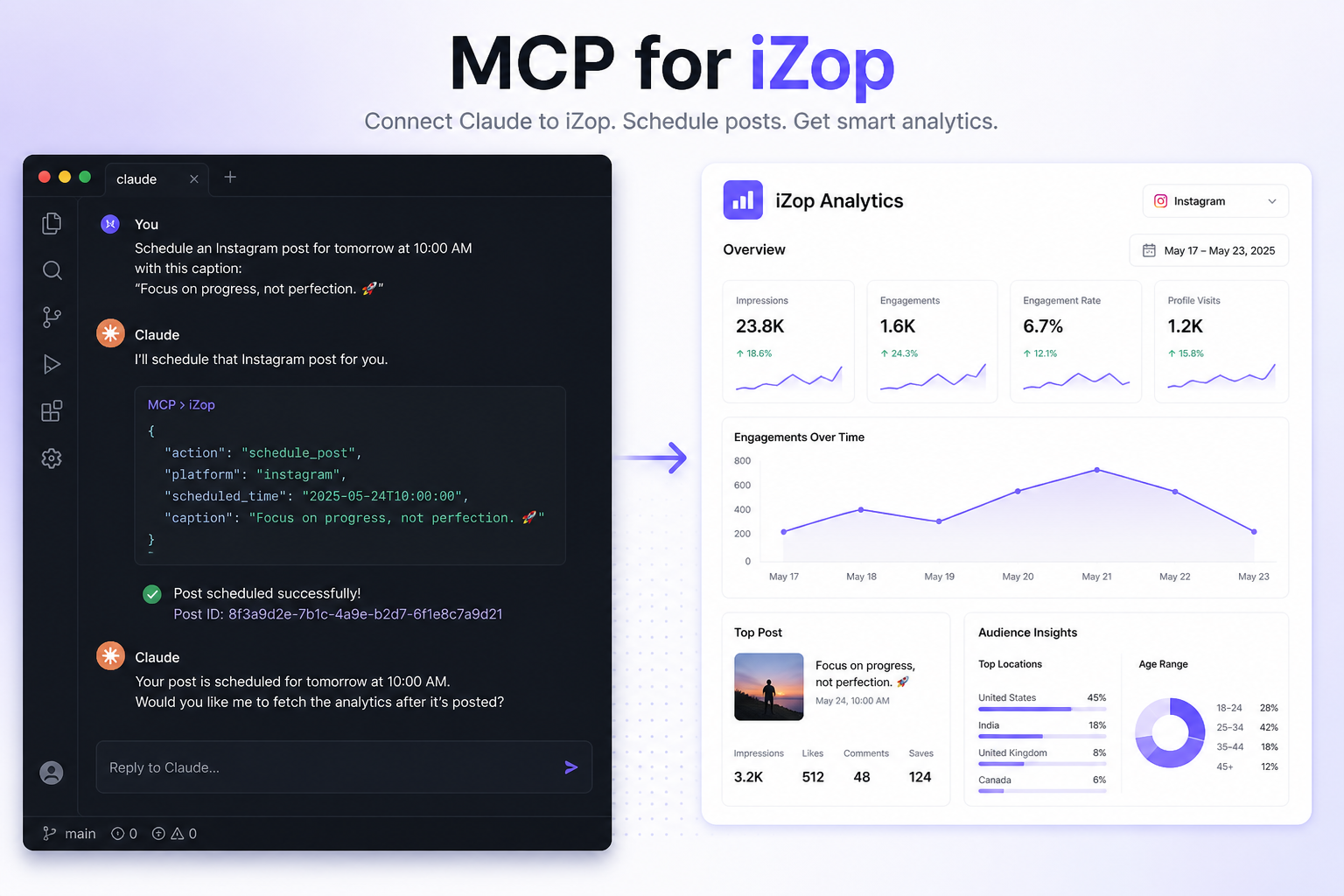
Ask first is the default. When approving a generation in Copilot you can choose to remember automatic generation, with a per-request Spark limit. Edit or disable this any time in Account. Connected MCP clients receive the same saved preference through model discovery and generation quotes; reconnect clients that cache old tool descriptions.
Auto-approval only covers requested media generation within your saved limit. Quotes above that limit, research, source analysis, scheduling, publishing and purchases still need separate confirmation. A character image should be reviewed before requesting a video.
Model choices, reservations, charges and refunds are available in Account, Sparks usage. Completion messages stay concise instead of repeating the cost after each generation.
Getting started
Redeem a demo offer and start a paid plan
Paid-plan signup starts with Google or email sign-in, followed by secure Stripe Checkout. Card details are collected by Stripe, including when a promotion reduces the initial amount to zero. Existing subscribers manage their plan from Account.
If you receive a demo promotion code, select the eligible Starter plan and billing interval, enter the code in Stripe Checkout, and confirm it was applied before subscribing. A coupon does not grant access until checkout succeeds.
Check the amount due today, the discount duration, the next billing date and renewal price before confirming. Cancel through Account, Manage subscription. The Free plan remains available without a card.
A one-month discount and an exact 30-day trial are different. The offer’s Stripe configuration and checkout terms determine the actual period. X add-ons and extra generation packages are not automatically included in a plan coupon.
Getting started
Getting started
iZop is one workspace for eight platforms: Instagram, Facebook, TikTok, YouTube, X (Twitter), LinkedIn, Threads, and Pinterest.
After you sign in you land on Console for cross-platform numbers, then use Composer to publish, Calendar to schedule, Inbox for comments and DMs, Copilot for AI help, and Planner for ideas.
Connect accounts from the sidebar. Switch brands from Account. Support and tickets are in the chat button.
Accounts
Connecting accounts
Owners and Admins can connect or reconnect social accounts. Editors and Viewers cannot start OAuth.
Free includes 3 platforms. Starter, Pro, and Agency can connect every platform. X (Twitter) always needs the X add-on at $10/mo per connected X account, and is not available on Free.
If an account shows Reconnect, open it from the sidebar and connect again. That refreshes the token without deleting your synced history.
OAuth returns to izop.ai. After you finish, the signed-in app continues on www.izop.ai.
Accounts
Instagram
Connect an Instagram Business or Creator account. Personal Instagram profiles cannot publish, pull analytics, or open DMs in iZop.
You can connect through Meta (a Facebook Page linked to Instagram) or Instagram-only login.
Inbox DMs follow Meta’s 24-hour messaging window: you can reply in iZop within 24 hours of the last customer message.
Follower history starts the day you connect. Instagram does not give iZop a full history from before that date.
Accounts
Facebook
Connect a Facebook Page. Personal profiles are not supported for publishing or Page inbox.
If you manage several Pages, pick the Page during connect. Page posts, comments, and Page messages then land in Composer, Inbox, and Console.
Page insights depend on Meta’s API. Some metrics can lag. Reconnect if tokens expire.
Accounts
TikTok
Personal and business TikTok accounts can connect. iZop can publish videos and sync follower and view stats when TikTok allows it.
TikTok DMs and in-app comment replies are not available. Inbox can show a deep link so you open the conversation on TikTok.
A compliance confirmation appears in Composer before you publish to TikTok.
Accounts
X (Twitter)
X is never included in a plan’s base price. Add seats from Account at $10/mo per X account, then connect.
Once connected, you can publish, schedule, and view comments in Inbox. X Inbox (DMs) also requires a paid X add-on seat.
If counts look empty, reconnect the account from the sidebar.
Accounts
YouTube
Sign in with the Google account that owns the YouTube channel. iZop uploads videos and Shorts and syncs subscriber and view stats.
Use Composer for long-form video (title and description) or Shorts as vertical Reels. Google does not provide a public API for YouTube Community text or image posts, so iZop does not publish those formats.
Open Inbox to read and reply to comments on your videos.
Accounts
LinkedIn
Connect a member profile or a Company Page. You can publish, schedule, sync posts, and pull comments into Inbox when LinkedIn grants those permissions.
LinkedIn is intentionally left off the unified Console rollup. Open the LinkedIn account from the sidebar for that account’s analytics.
Accounts
Pinterest
Connect with Pinterest OAuth. iZop stores a refresh token so scheduled Pins can publish later.
Every Pin needs at least one image. After connect, your first board is used as the default board.
Pinterest messages are not replied to inside iZop. Use the platform link from Inbox when you need to respond there.
Accounts
Threads
Connect Threads from the sidebar. You can publish text and media, and review Threads comments in Inbox.
Threads uses the same brand workspace as your other accounts. Switch brands on Account if a Threads profile belongs to a different client.
Publishing
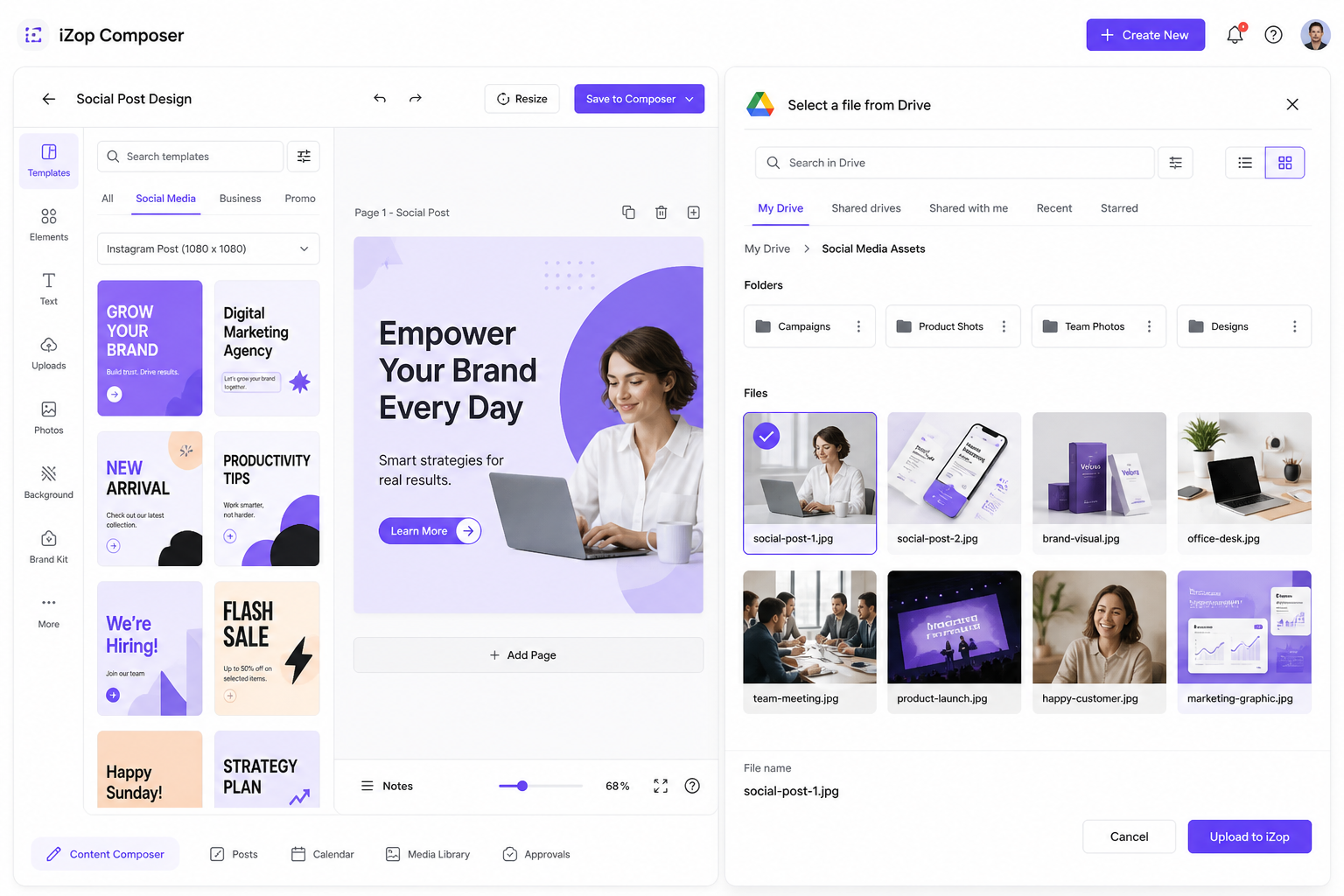
Composer and scheduling
Composer is at /composer. Owners, Admins, and Editors can publish. Viewers can open Composer only if their role allows viewing, but they cannot post.
Use per-platform captions and media when a network needs a different crop or line of copy. AI captions use your brand context from Brand settings.
Photo and carousel uploads are checked against each selected platform’s max file size and supported formats (for example LinkedIn 5 MB, Instagram 30 MB). See Post formats in the help center for the full table.
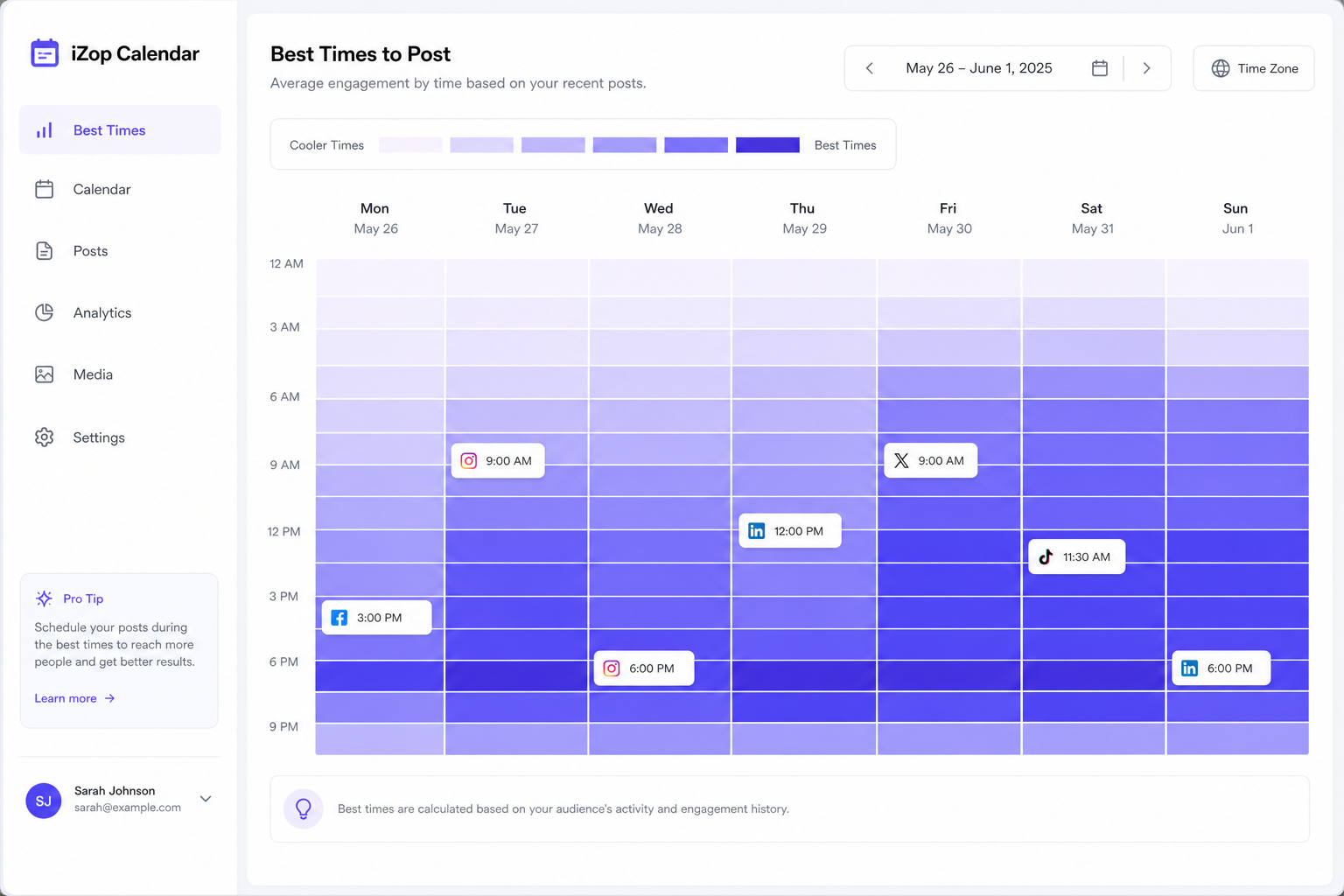
Schedule in 10-minute steps. Free plans can schedule 25 posts per UTC month. Paid plans are unlimited.
Auto-publish runs about every 5 minutes. You can also choose email me a link so you publish manually from an email.
Publishing
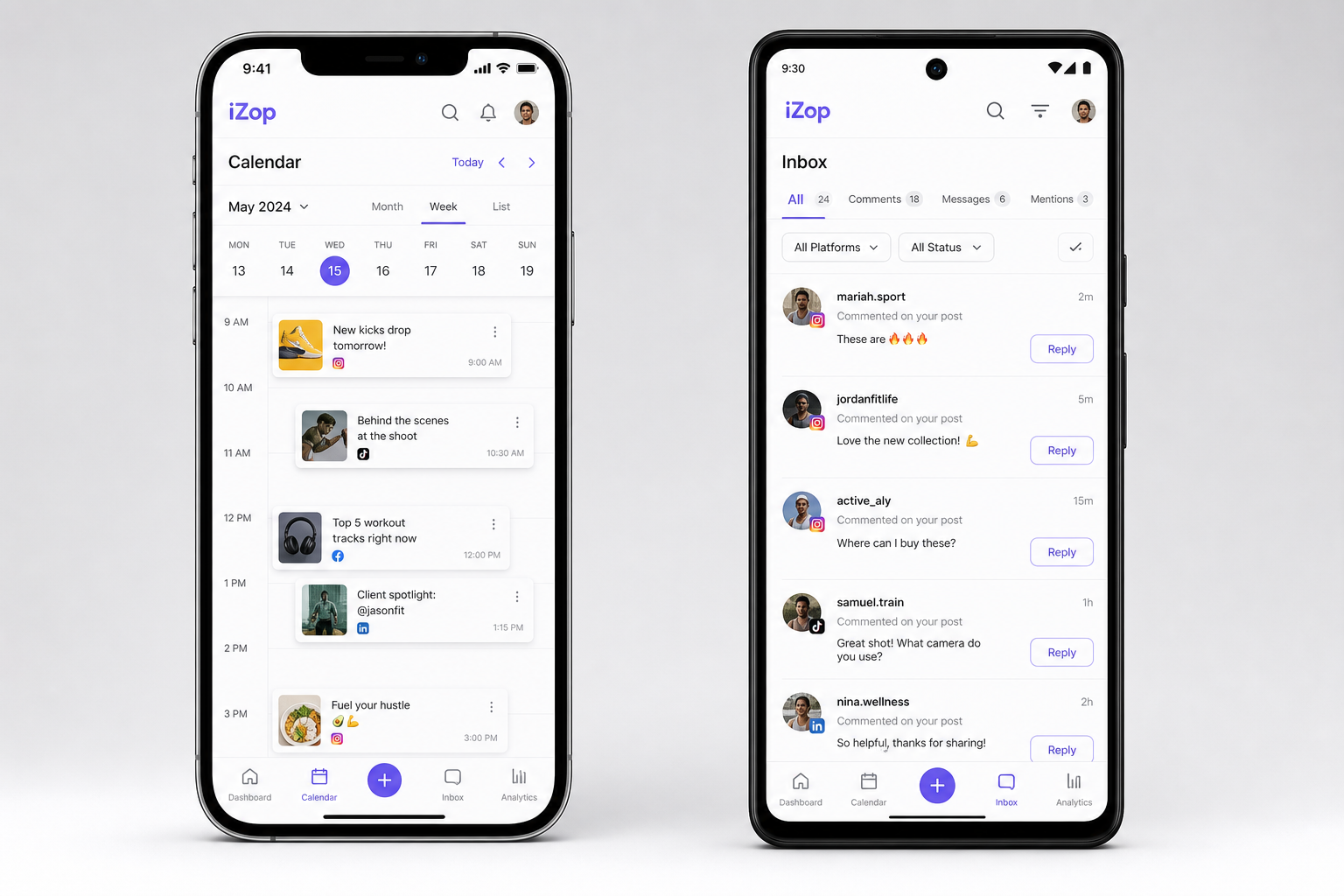
Calendar
Calendar at /calendar shows posts with a scheduled time. It is not a separate calendar database, and it is not the Planner content plan.
History of published and failed posts lives at /posts. Edit a scheduled item to return to Composer.
Publishing
Planner
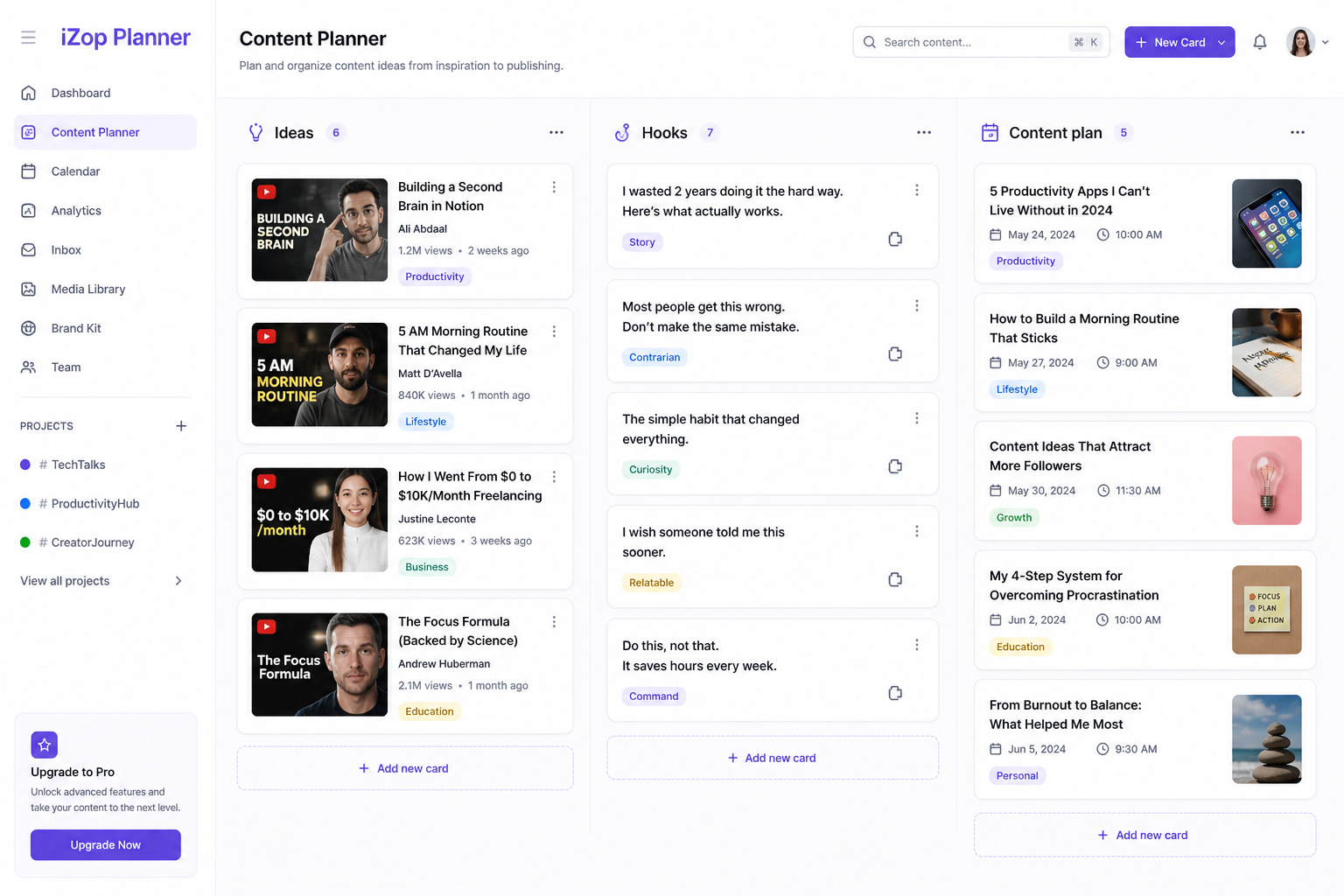
Planner (also labeled Studio in some older links) is for drafting intent: pillars, ideas, and inspiration. It does not publish.
You can analyze inspiration, including short video via upload when a link download is blocked. Generated ideas land on the Ideas tab.
A richer Planner with competitor analysis is also on the public roadmap below, as we keep expanding this workspace.
Inbox
Inbox, comments, and DMs
Inbox shows comments from connected networks and DMs where the platform allows it.
When you open Inbox or tap Refresh, iZop paints your last saved threads instantly, then pulls live from Instagram, Facebook, X, and comment APIs. Results are saved to your workspace cache so the next visit is fast.
Instagram and Facebook DMs work in-app, with Meta’s 24-hour reply window. X DMs need a paid X add-on seat. TikTok and Pinterest are open-on-platform only.
New Instagram or Facebook messages can also arrive through Meta webhooks between refreshes. While you stay signed in, iZop checks for badge updates about every 5 minutes.
There is no auto-reply. Copilot and Inbox can draft replies. You approve and send.
Comments on very old posts may not appear. That is a platform API limit, not an iZop setting.
Inbox
How Inbox stays up to date
Your screen loads from cache first, then syncs live when you open or refresh Inbox.
Open Inbox or tap Refresh: iZop calls the social networks, merges new comments and DMs, and saves them to your workspace database. The UI updates in place when the sync finishes.
Between visits, Instagram and Facebook can push new DM events through Meta webhooks. iZop refreshes the affected Page cache on the server so the next open or badge check sees them.
While you stay signed in, a light background check runs about every 5 minutes for nav badge updates. It reads cache first and only hits the live API when a webhook refresh failed.
Background crons are a backup for cold sessions, not the main inbox sync path. Console and analytics use a similar daily batch plus on-open refresh model.
If Meta throttles API calls, iZop keeps showing your last good cached data instead of blanking the inbox.
Analytics
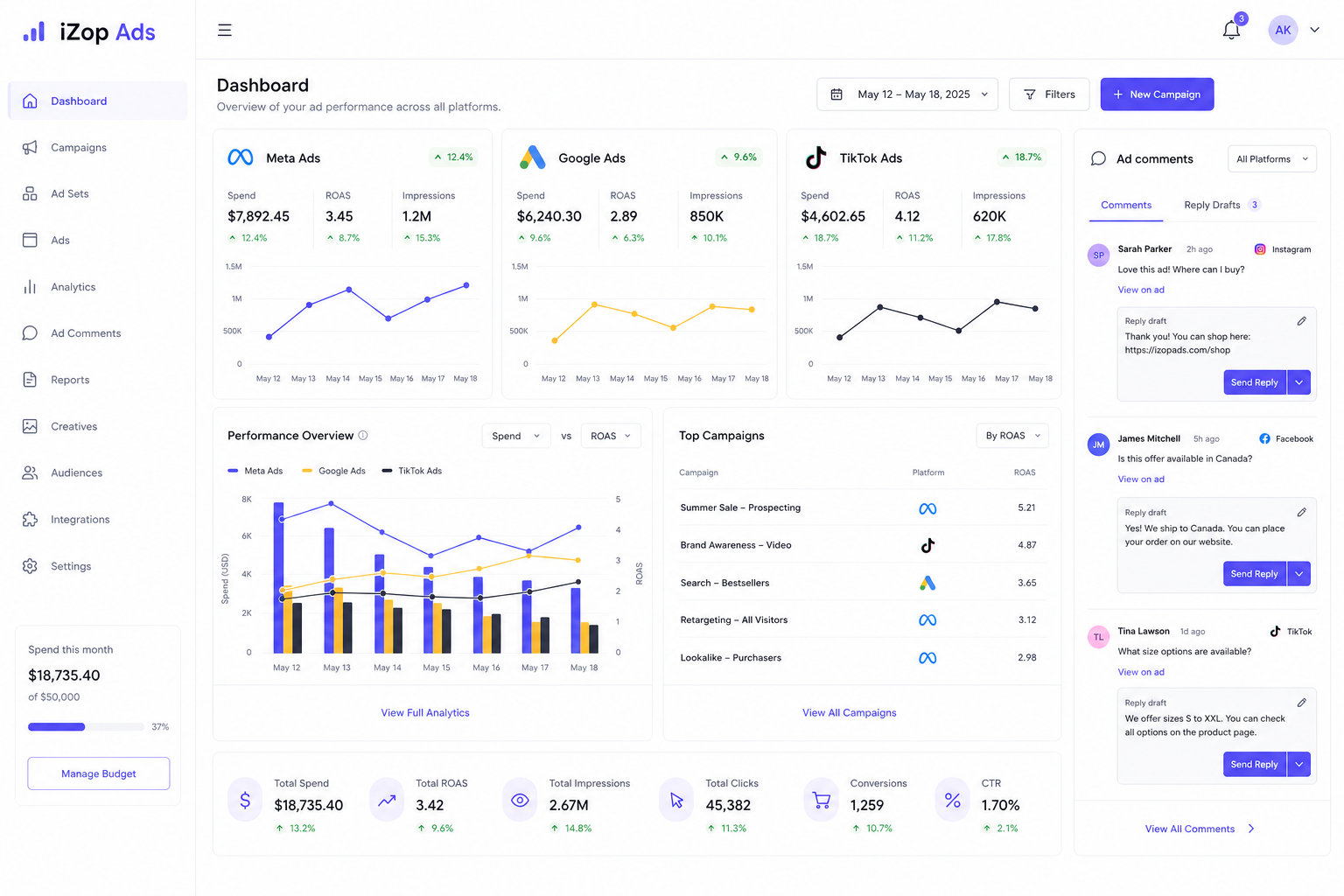
Console and analytics
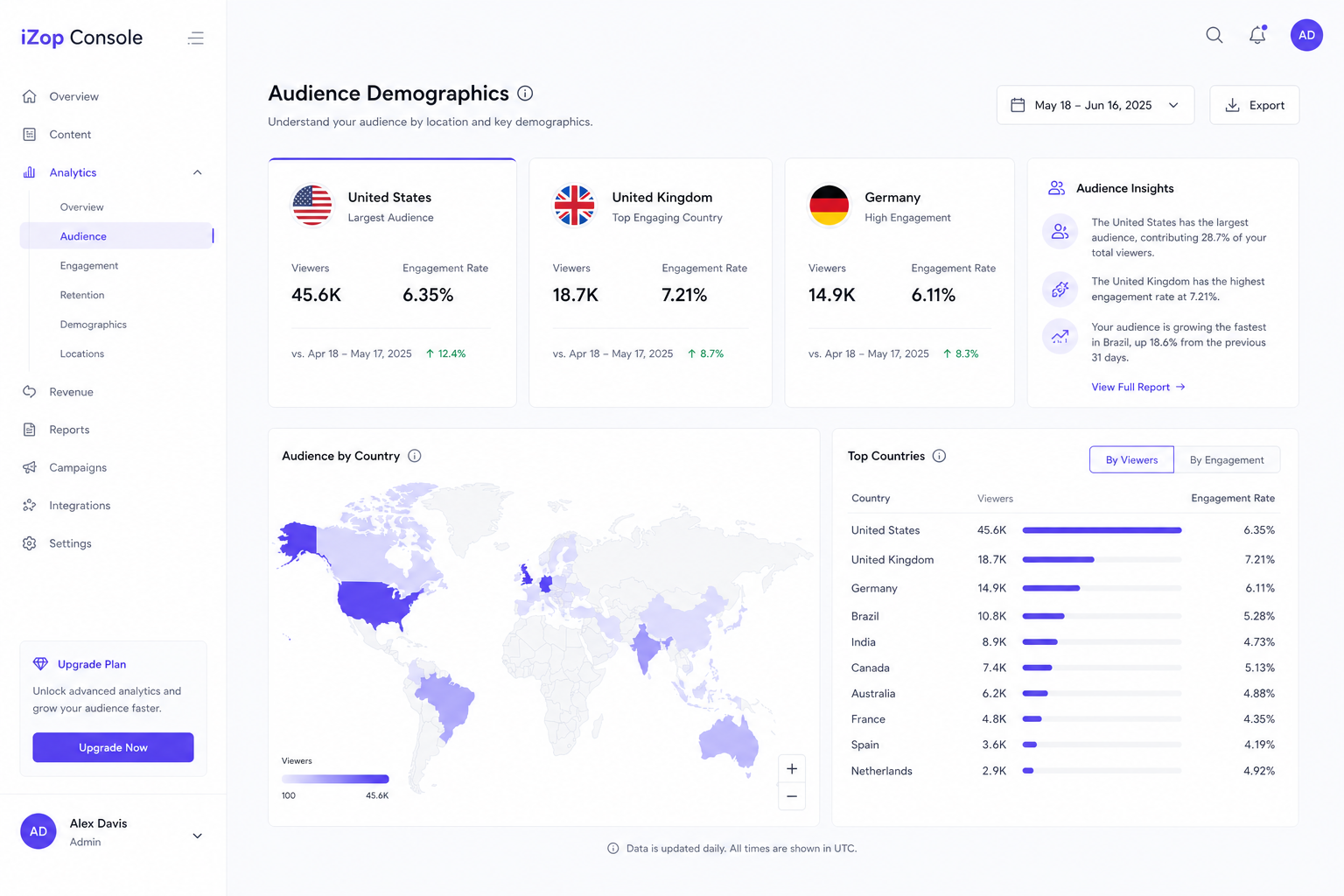
Console rolls connected accounts into followers change, engagement, views, and posts. Numbers load from iZop’s database first, then refresh in the background.
History windows: Free 30 days, Starter 90 days, Pro and Agency unlimited stored history from the day you connected.
New followers is the change while iZop has been monitoring, not your lifetime total. Charts stay quiet until at least two daily snapshots exist.
Disconnecting and reconnecting the same account keeps snapshots. We do not invent pre-connect history.
Analytics
Reports
Reports lets you download a client-ready PDF. Free and Starter get Simple reports. Pro and Agency get Advanced reports, including white-label logo and company name on Pro+.
Workspace
Copilot
Copilot is the chat in the top nav (code and some URLs still say iZop AI). Owners, Admins, and Editors can use it. Viewers cannot.
Ask for analytics, captions, comment replies, or a lead scan. Spark Credits are used for AI media creation. Paid plans include larger monthly Spark Credit allowances.
Brand context on the Brand page is what makes captions and inbox drafts sound like you. It is separate from workspace brand cards.
Workspace
Leads
Leads scans cached post comments for purchase or contact intent. Starter and above can run a scan. Every role can view saved results.
Open Inbox first so comment caches are warm. DM scanning is not available yet, even if some older marketing lines mentioned DMs.
Each scan replaces the previous snapshot. Export CSV from the Leads card or page.
Workspace
Brands and team members
Brands are workspaces (not a separate database table). Each brand has its own connected accounts. Owners and Admins can rename brands and move accounts.
Invite teammates from Account. Only the Owner invites, removes, and manages roles and brand access.
Roles: Owner, Admin, Editor, Viewer. Plan seats: Free and Starter have 0 team seats, Pro includes 5, Agency is unlimited. Teammates inherit the owner’s plan limits.
Accept invites only at /invite. See Roles and permissions for the full capability grid.
Workspace
Plans, add-ons, and billing
Free is $0. Starter is $29/month or $278/year. Pro is $79/month or $758/year. Agency is $199/month or $1910/year. Yearly billing saves 20%.
X add-on is $10/mo per X account on paid plans. Extra Agency brands are $8/mo per extra brand after the 10 brands included on Agency.
Manage plan, seats, and invoices on Account. Owners handle billing. Canceling paid add-ons or downgrading can remove extra X seats or extra brands at the end of the cycle.
Getting started
Your User ID
Every account has a 7-character User ID. It is derived from your sign-in identity and shown in Account settings.
Open the app, go to Account (profile in the header), then look under your email for User ID. Use the copy button next to it.
Paste that ID on tickets and Help us improve so we can match your workspace, plan, and connected accounts without guessing.
Roles and permissions · Post formats and previews