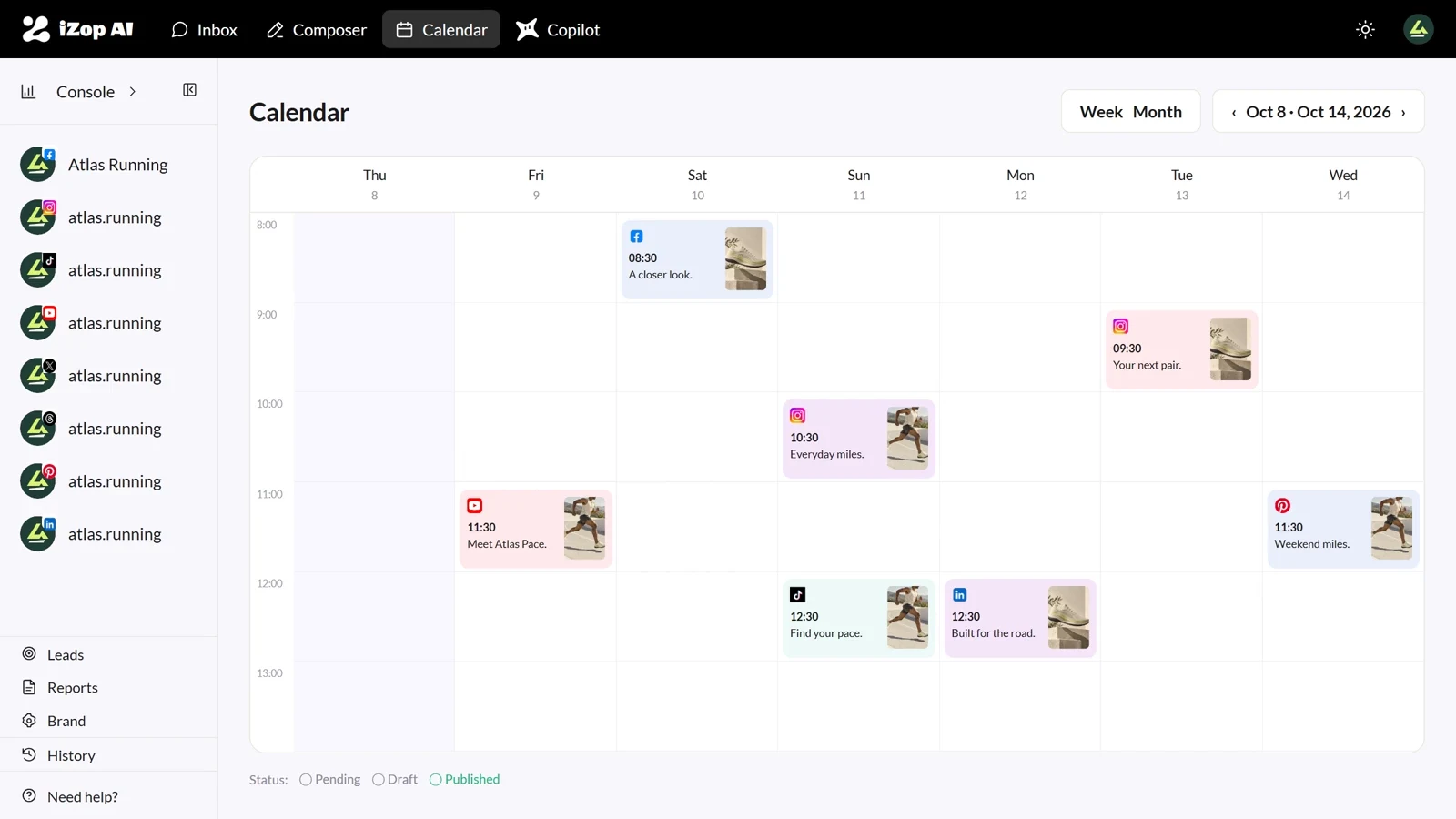
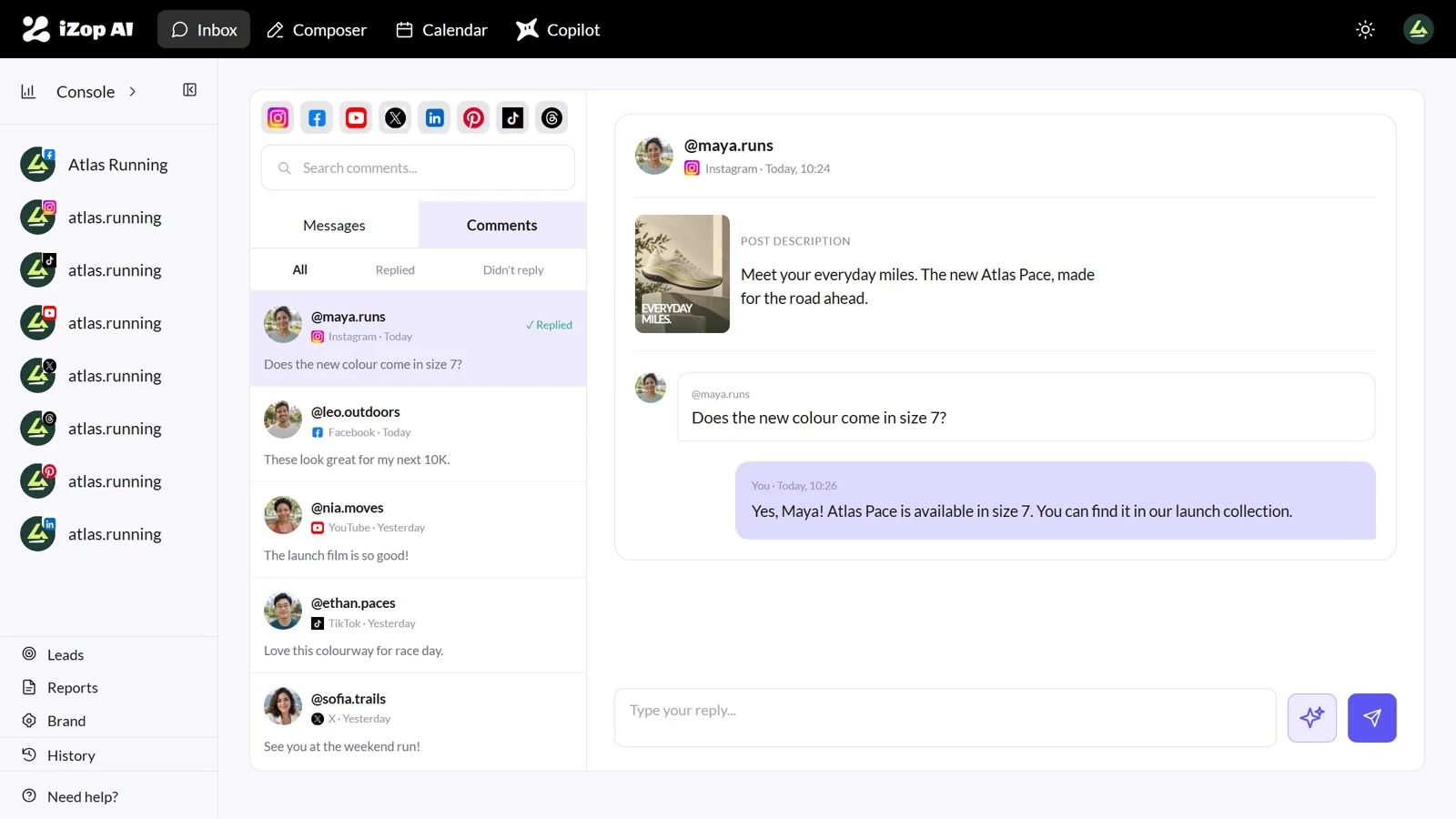
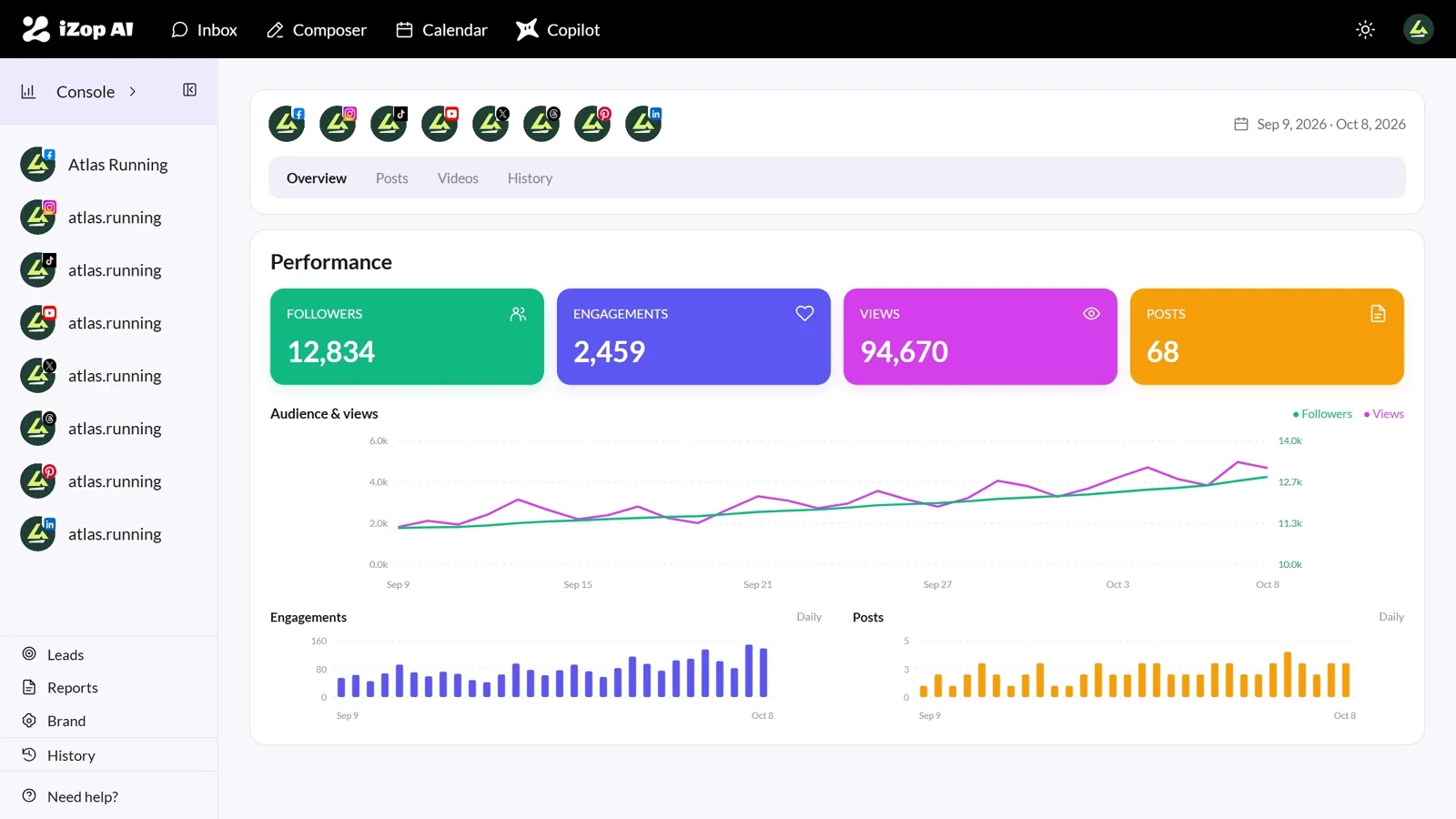
AI that knows everything
Teach your AI everything about your brand.
 iZop AI
BETTER WORK, TOGETHER / Teams & Brands
Keep accounts organized, access intentional, and client work unmistakably yours.
No credit card required. Features and limits vary by plan.
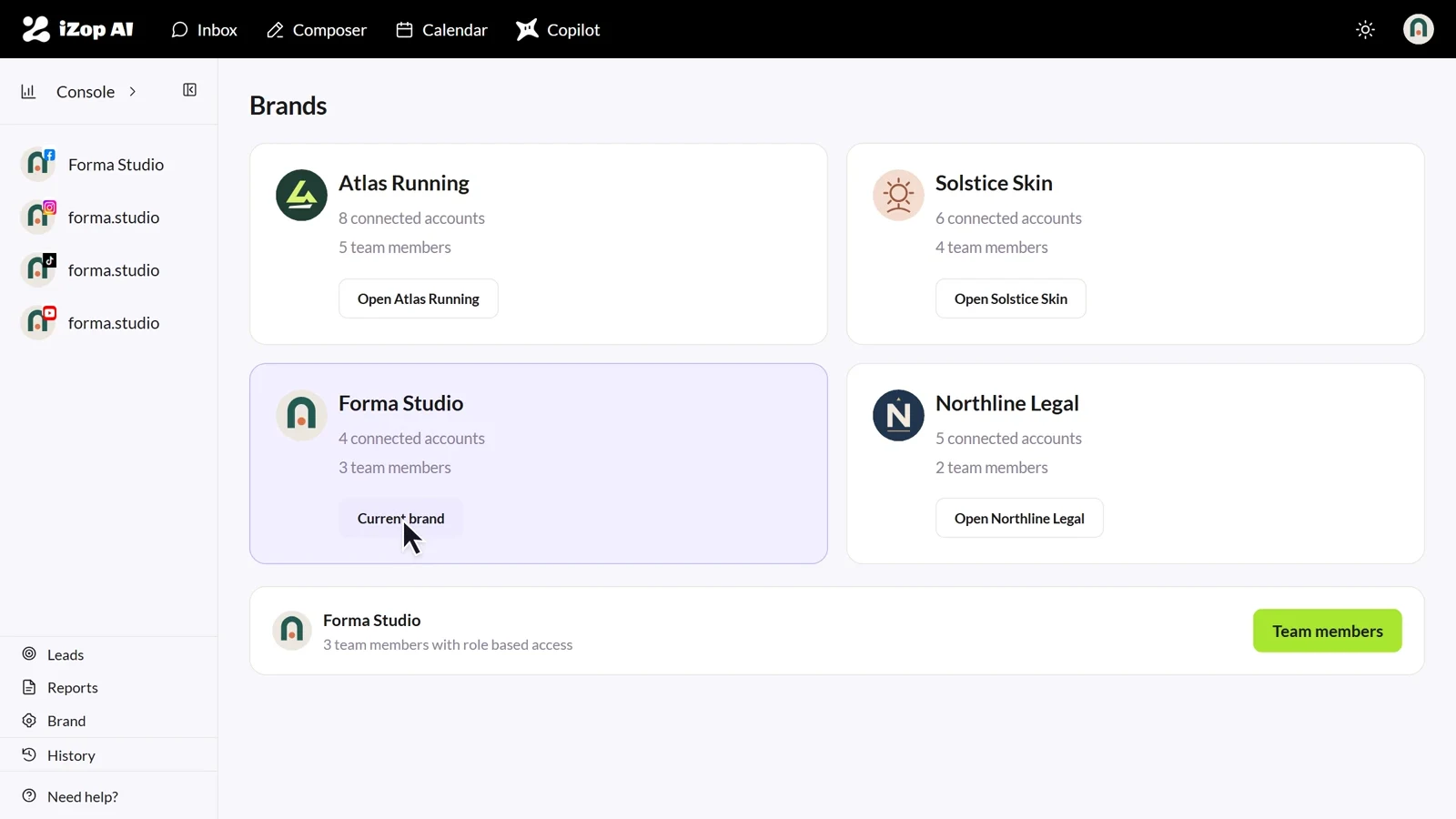
Teach your AI everything about your brand.
Roles and access for each teammate.
Reports with your own branding.
THE WAY IT WORKS
Group connected accounts by brand, invite teammates, and choose their role and brand access. Editors can create and reply; Viewers can follow the work without changing it.
Explore the workspaceAI that knows everything
Confident handoffs
Ready for clients


GOOD TO KNOW
The owner controls invitations, membership, roles, brand access, and billing. Admins manage brands and connected accounts. Editors create, schedule, and reply. Viewers can view supported workspace screens without editing.
Pro includes 3 brands and up to 5 team members. Agency includes 10 brands and unlimited team seats, with extra brands available at $8 per month each.
Pro and Agency support your logo and company name. Choose a reporting period, channels, and the sections to include before generating the PDF.
Yes. When you invite someone or edit their access, assign only the brands they should see. Their calendar, inbox, and analytics stay scoped to those brands.
Admins manage brands and connected accounts but cannot change billing or membership. Editors create, schedule, and reply. Viewers can review calendars, analytics, inbox, and reports without making changes.
Add your brand voice, offers, and reply examples in AI Assistant. Copilot and inbox AI drafts use that context across the workspace while your team works in their assigned brands.
READY WHEN YOU ARE