
Create, schedule and manage YouTube videos, Shorts and replies
Create video content, plan your uploads and stay connected with your viewers.
YouTube features
Agentic workflows
Plan, design, generate, publish, reply and collaborate with Copilot, ChatGPT or Claude, or connect through our MCP server.
Create with Studio
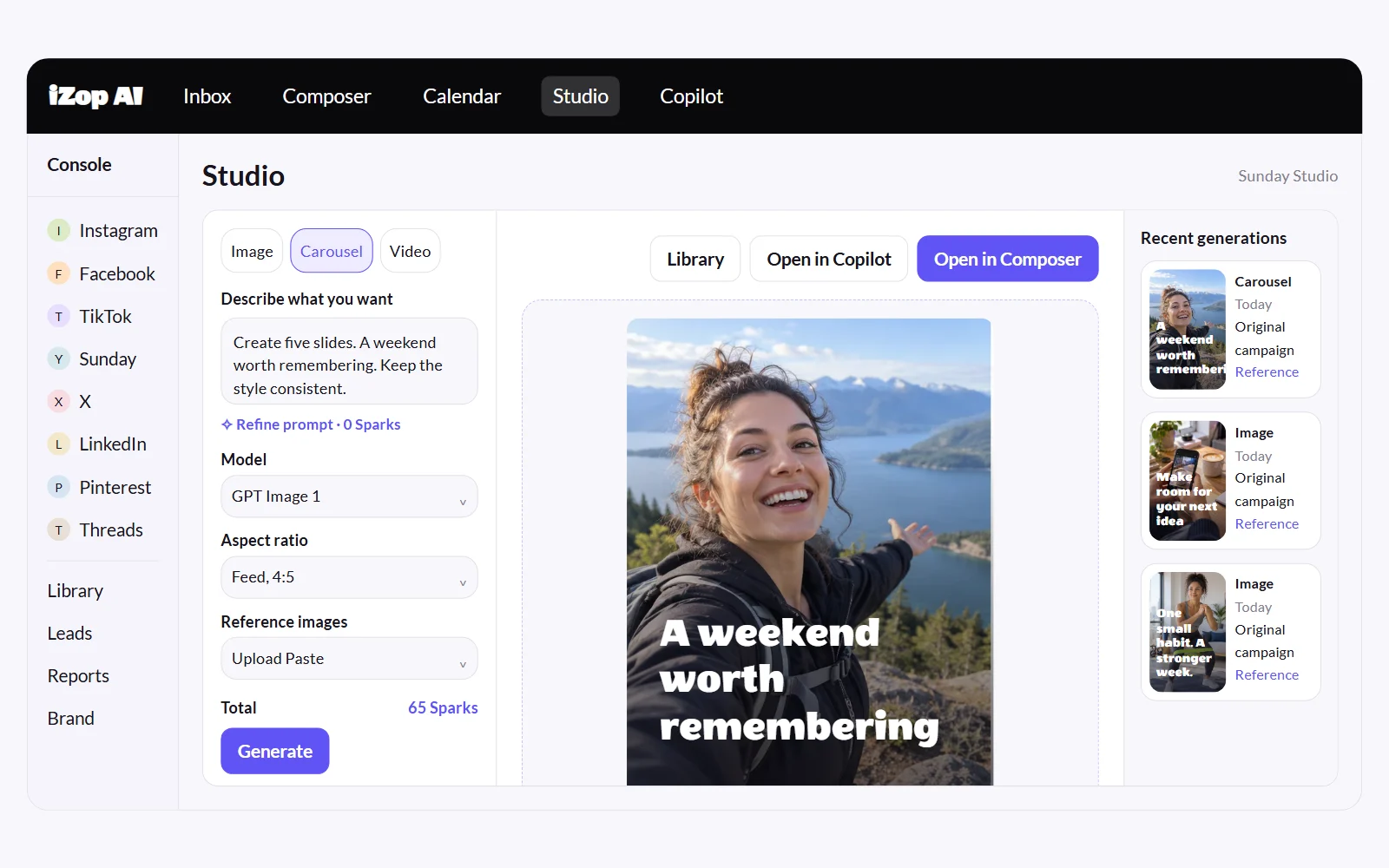
Generate on-brand images, carousels and videos. Start with an idea or your own references.
Publish and schedule your posts
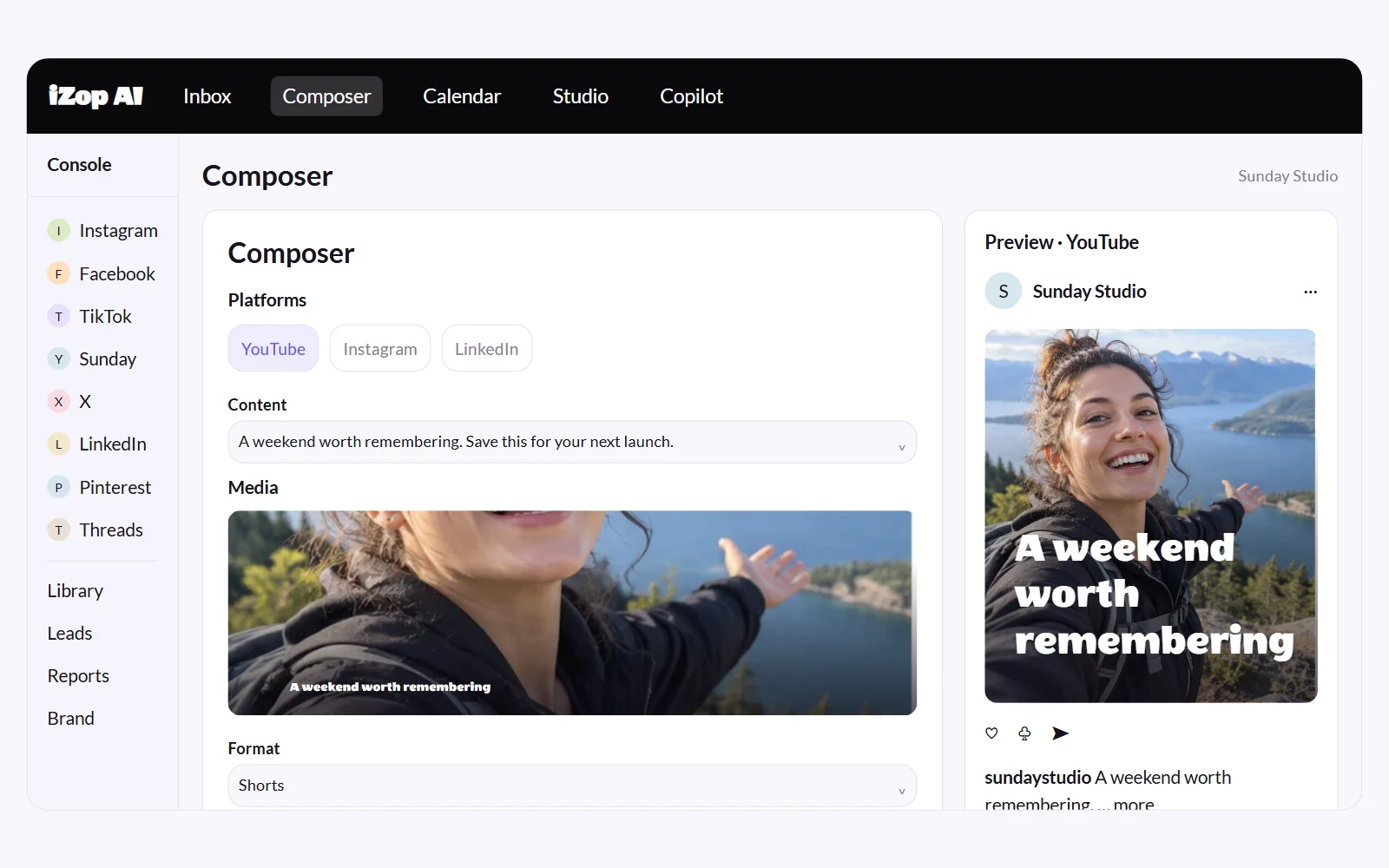
Publish now or schedule videos and Shorts, with titles and descriptions ready to go.
Comments and replies
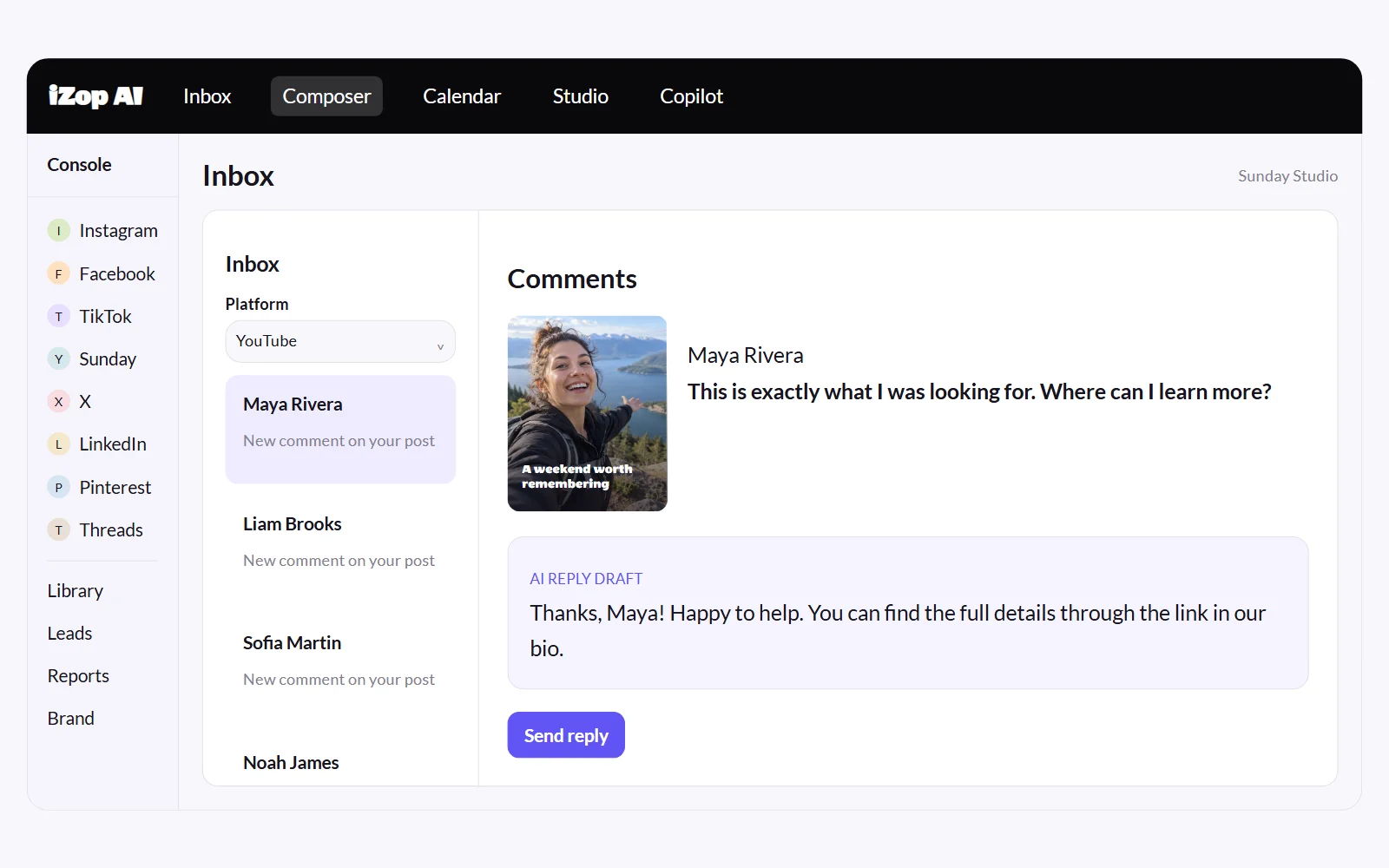
Read and reply to video comments in your inbox, with AI drafts to help you respond.
Analytics and reports
Track audience growth and content performance, then share clear reports with your team or clients.
Find warm leads
Spot buying intent in comments and save promising conversations to your leads list.
A fresh starting point for YouTube.
Use Studio’s model and format controls or describe your idea in Copilot. Review your creation, then choose a supported YouTube format and caption in Composer.
- Original image and video generation
- Visual references from your own media
- Saved creations and reusable Library assets
- A separate review before publishing
Consistent uploads without the upload grind
Batch your videos, schedule the releases, and let uploads run on their own. Your channel stays consistent even when your week is not.
- Automatic video upload and publish at the scheduled time
- Title from the first caption line, description from the rest
- Cross-post Shorts to TikTok and Instagram Reels
- Full publish history in one place
A comment section you can actually keep up with
Comments from your videos stream into your inbox. Reply in-app, use AI drafts, and keep your community warm without living in YouTube Studio.
- All video comments in one inbox
- In-app replies with AI drafts
- Per-video engagement counts
- Subscriber growth tracked daily
Frequently asked questions
Can iZop upload videos to YouTube automatically?
Yes. iZop uploads your video to your channel and publishes it at the scheduled time. No manual steps on publish day.
How are the title and description set?
The first line of your caption becomes the video title and the rest becomes the description. You can also generate both with AI from your brand context.
Can I schedule YouTube Shorts?
Yes. Schedule Shorts like any other video, and cross-post the same file to TikTok and Instagram Reels with per-platform captions.
Can I reply to YouTube comments in iZop?
Yes. YouTube comments appear in your inbox where you can read and reply directly, with AI reply drafts available.
Does iZop show YouTube analytics?
Yes. Subscriber counts and your video list sync automatically with daily history, shown in the unified console next to your other platforms.