Images
Create from a prompt or an image reference. Choose a social aspect ratio and refine the result.
Generate images, carousels and videos inside the workspace where you publish. Pick a model, add your references and make something worth sharing.
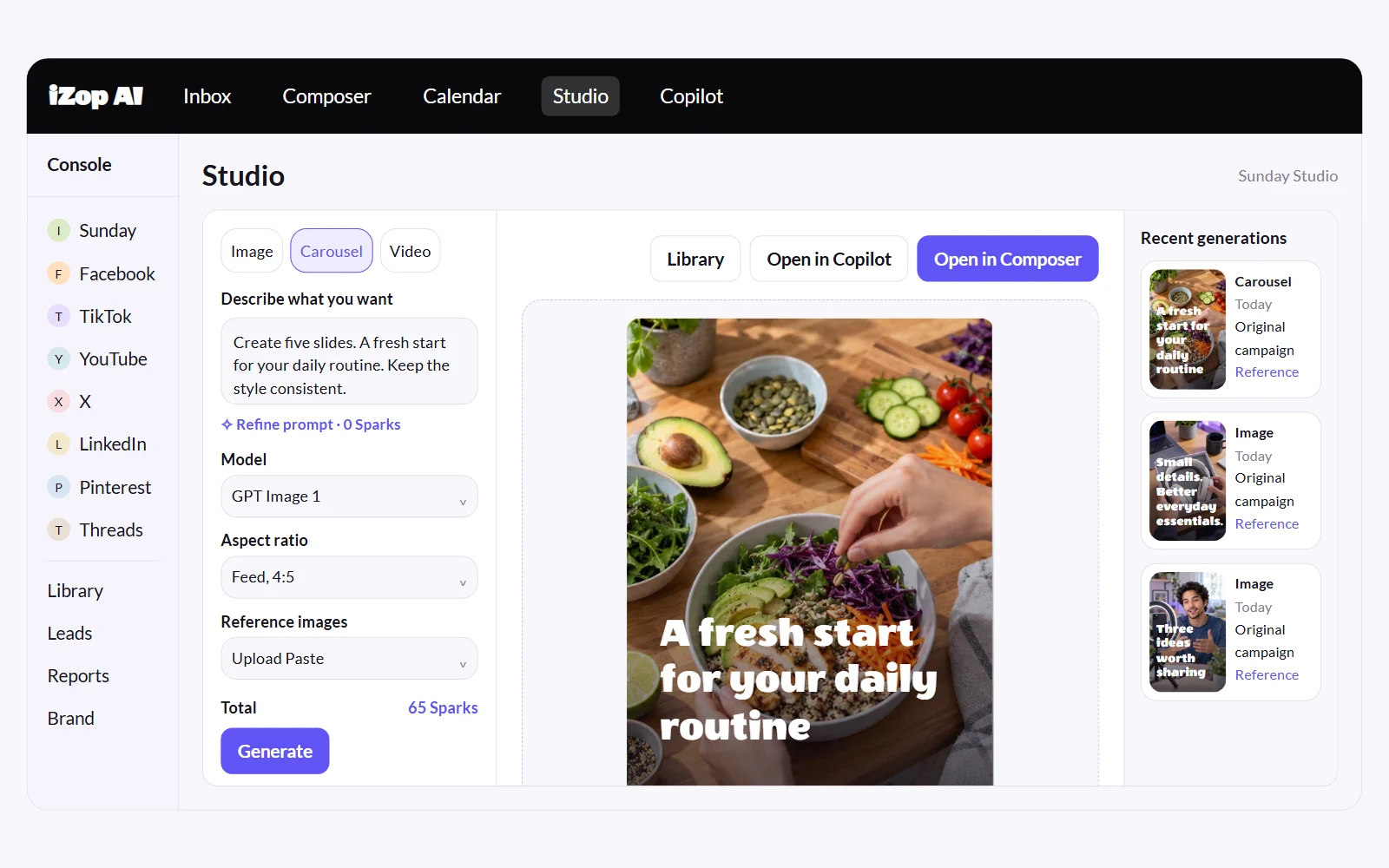
Create from a prompt or an image reference. Choose a social aspect ratio and refine the result.
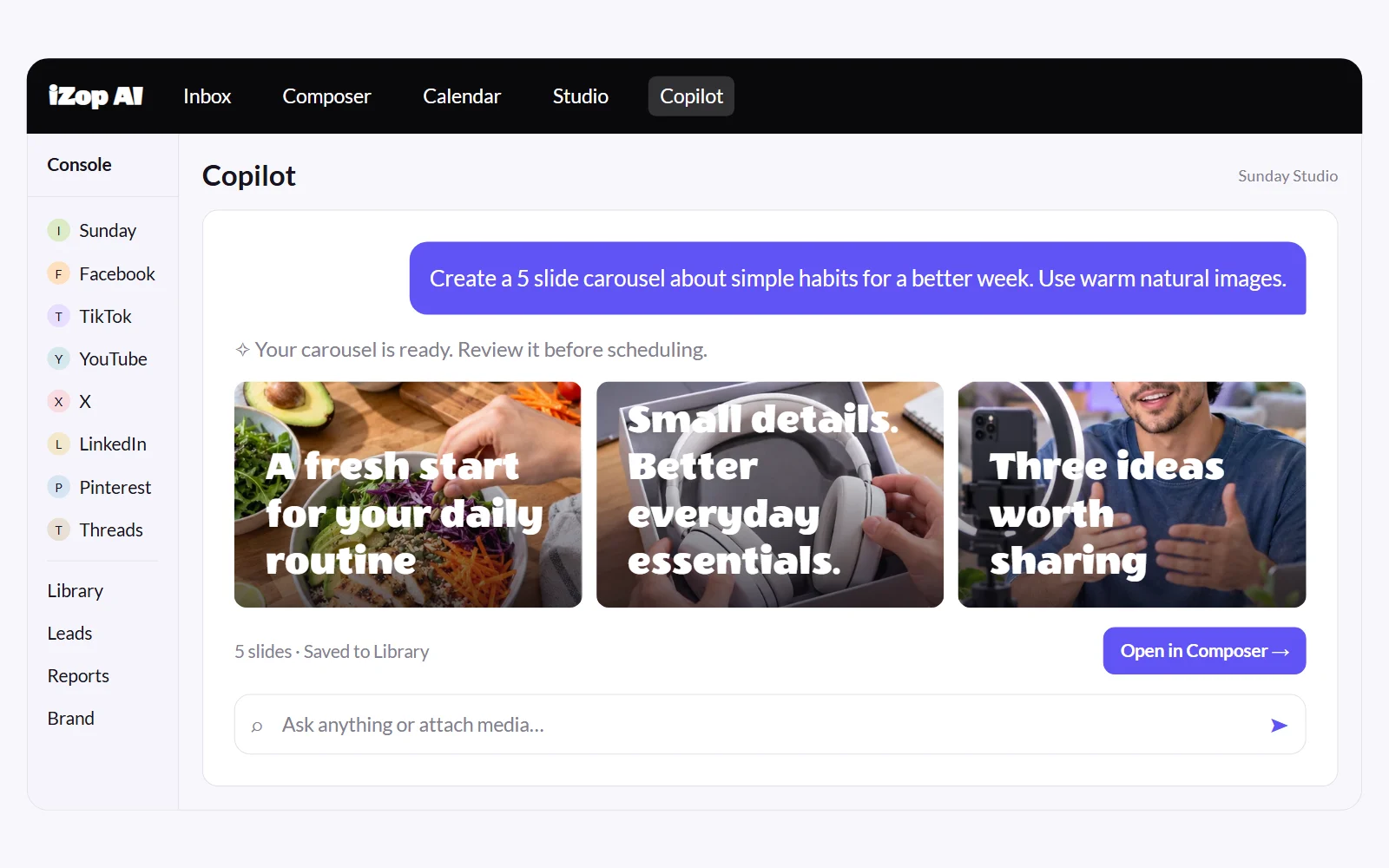
Build a connected story across slides. Update selected slides and keep the versions you like.
Create clips from text or supported image and video references. Model options and supported inputs are shown before generation.
Describe your next post in chat. Copilot can create visuals, build a carousel and prepare platform captions using your brand context.
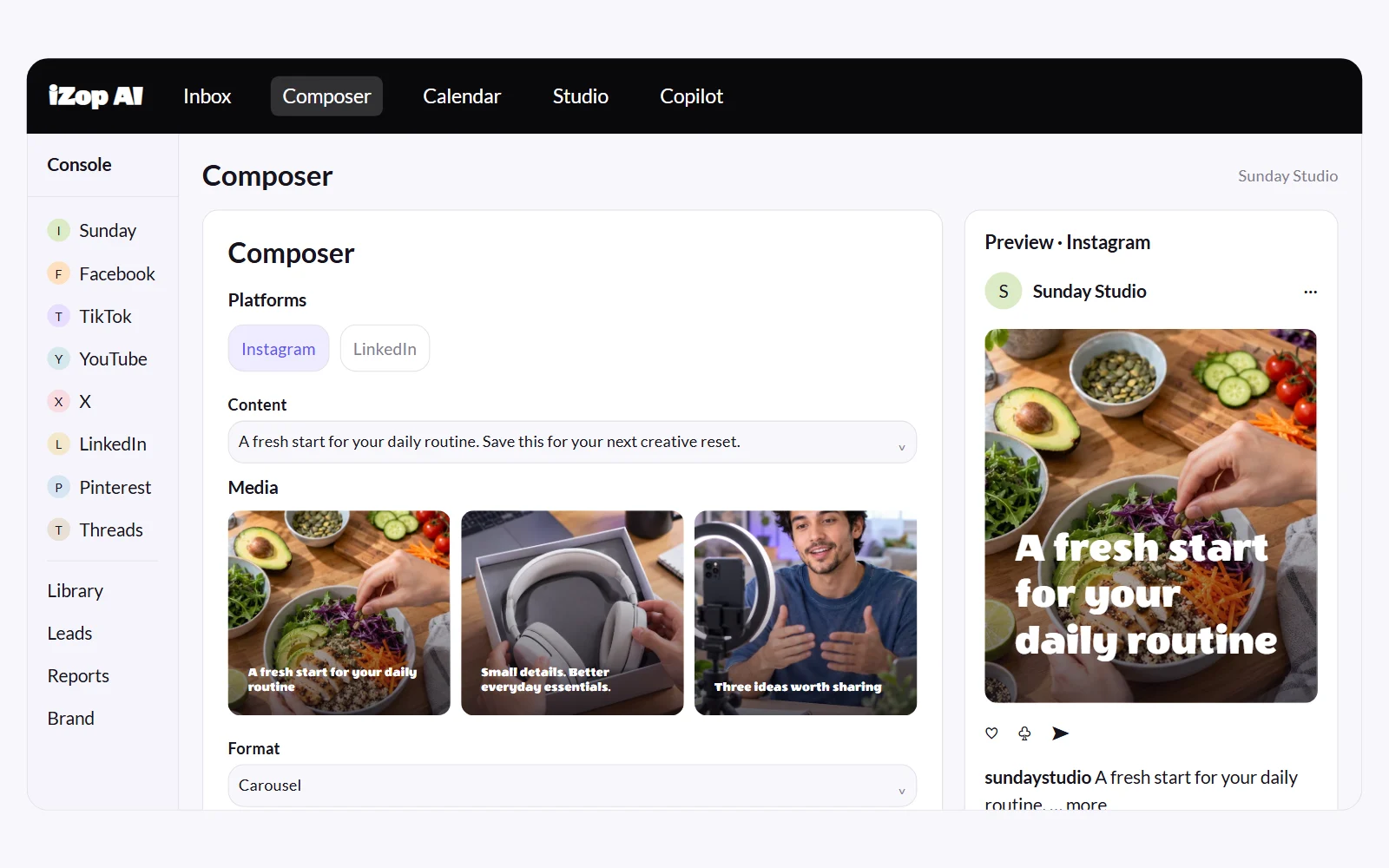
Use your saved creation in Composer. Adjust each platform's caption, check its supported format, then publish or choose a time.
Image and video generations use Sparks. The total depends on the selected model and settings. Account preferences control generation approvals, and Sparks history shows charges and refunds. A publishing action is confirmed separately.
Yes. Use Studio for visual controls or ask Copilot to create in chat. Your creations can be used in Composer and stay available in Library.
Yes. Refine selected slides while keeping the rest, and retain earlier versions so you can choose your preferred result.
Generations use Sparks. Review the model, settings and total before you generate. Monthly allocations and top-ups are explained on the pricing page.
No. Review your media and captions, choose supported destinations, then publish or schedule from Composer.
No credit card required.