
Create, schedule and manage LinkedIn posts, carousels and replies
Create for your profile or company Page, plan your posts and stay close to the conversation.
LinkedIn features
Agentic workflows
Plan, design, generate, publish, reply and collaborate with Copilot, ChatGPT or Claude, or connect through our MCP server.
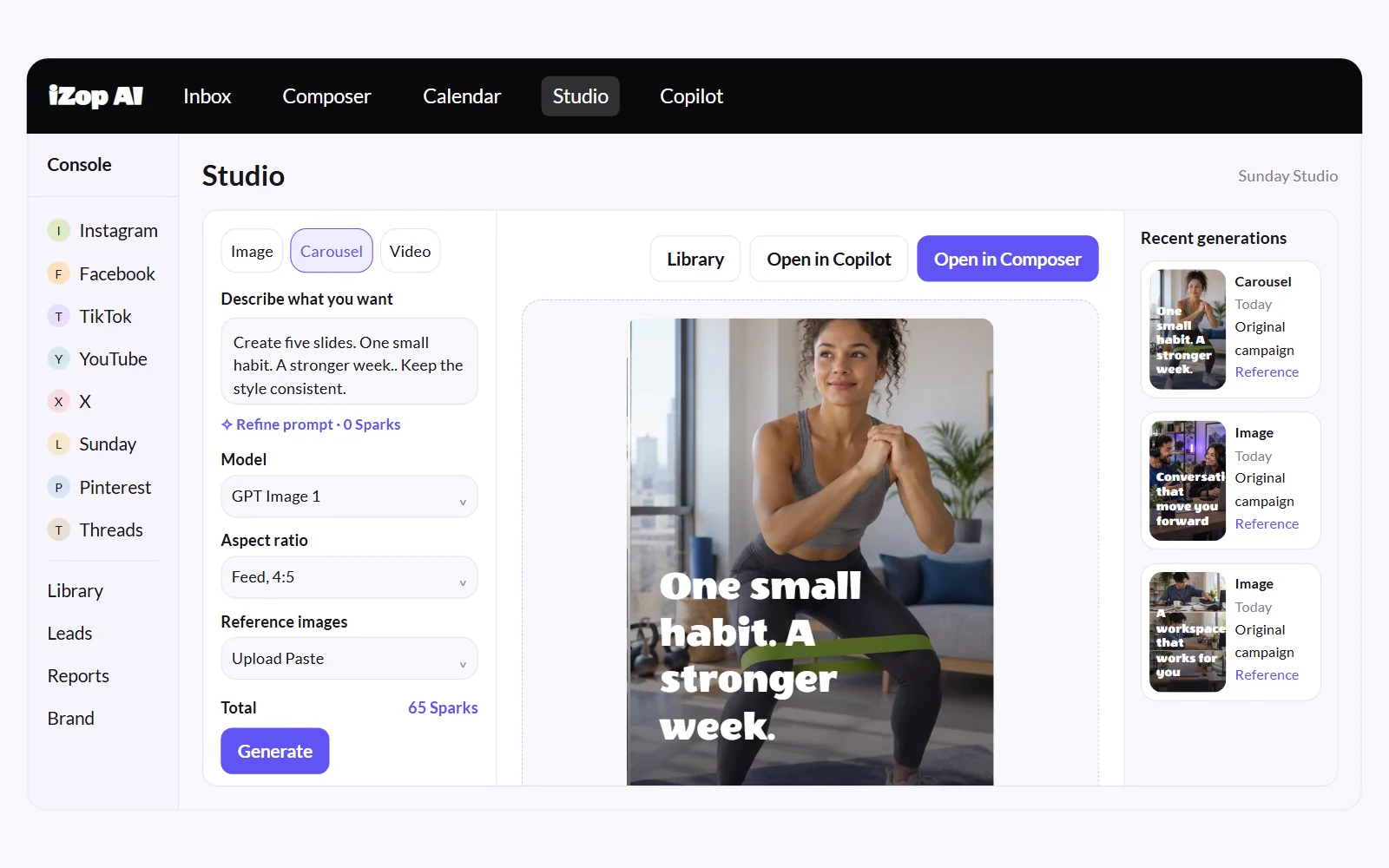
Create with Studio
Generate on-brand images, carousels and videos. Start with an idea or your own references.
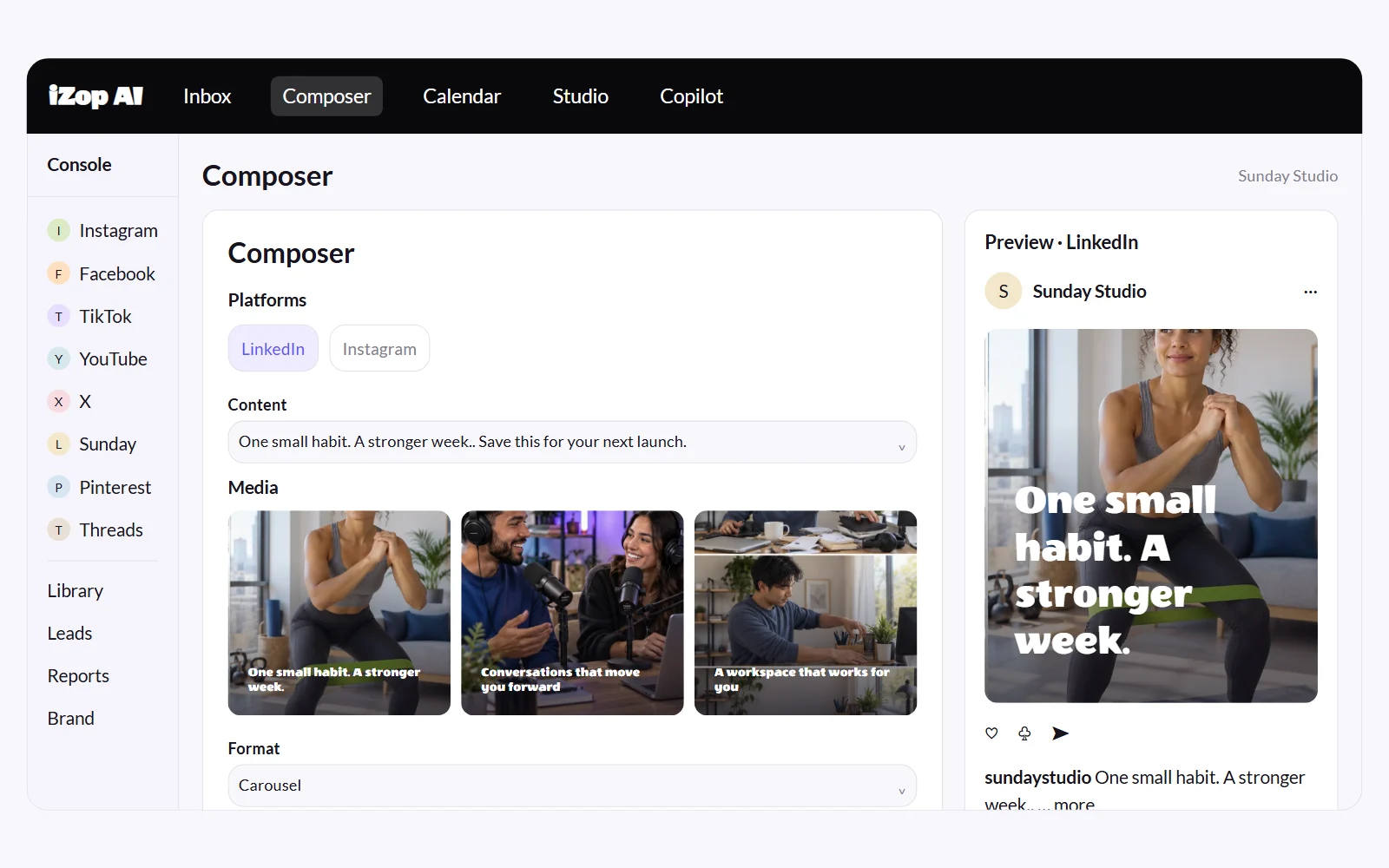
Publish and schedule your posts
Publish now or schedule text, images, multi-image carousels and videos to your profile or Page.
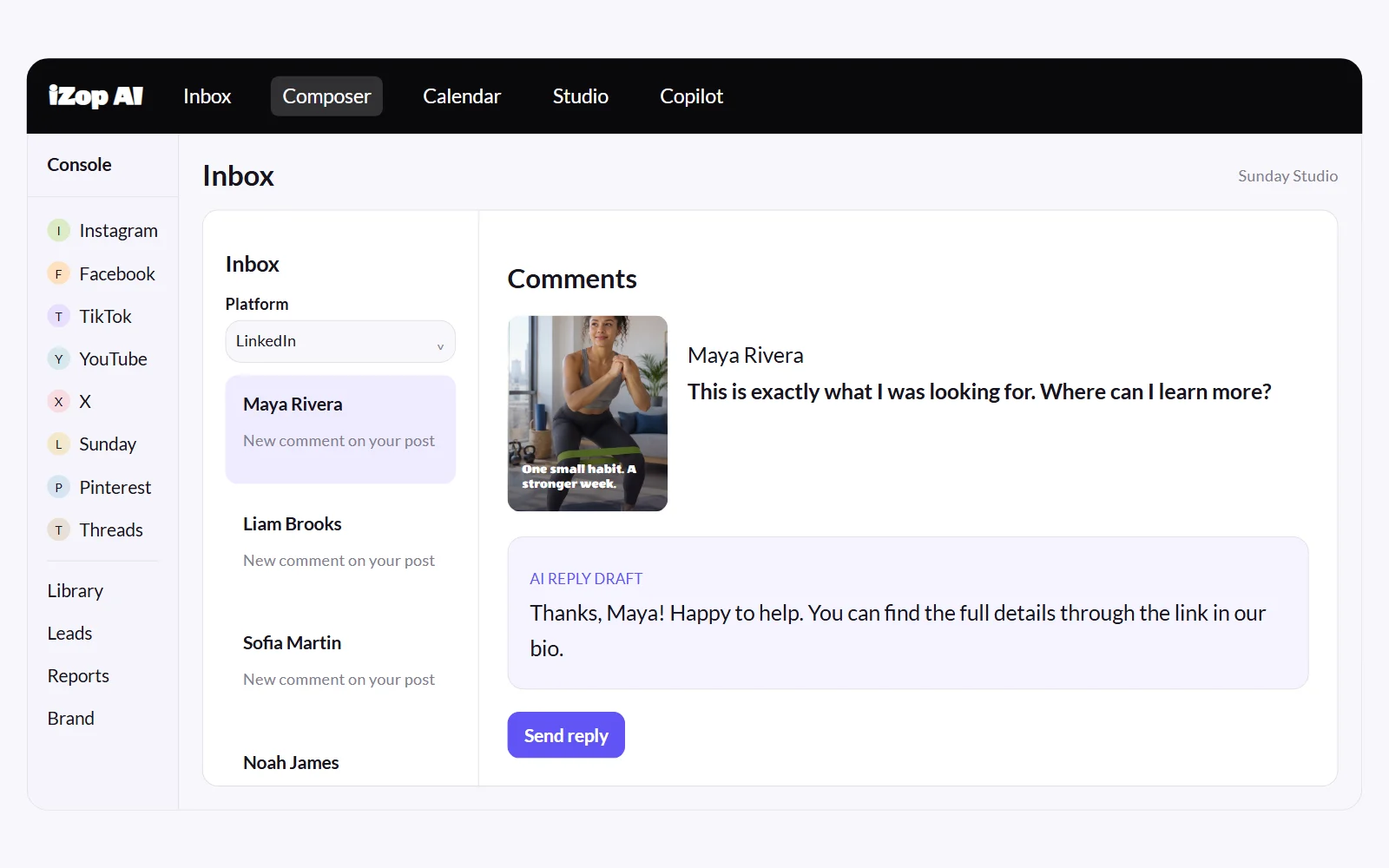
Comments and replies
Read and reply to LinkedIn comments in your inbox, with AI drafts in your brand voice.
Analytics and reports
Track audience growth and content performance, then share clear reports with your team or clients.
Find warm leads
Spot buying intent in comments and save promising conversations to your leads list.
A fresh starting point for LinkedIn.
Use Studio’s model and format controls or describe your idea in Copilot. Review your creation, then choose a supported LinkedIn format and caption in Composer.
- Original image and video generation
- Visual references from your own media
- Saved creations and reusable Library assets
- A separate review before publishing
Consistency is the whole game on LinkedIn
The accounts that grow post several times a week, every week. Batch your LinkedIn content in one sitting and keep the rhythm while you do client work.
- Text, image, and video posts on schedule
- Post as a person or as a company page
- Public or connections-only visibility per post
- AI drafts tuned for a professional voice
Comments answered while the post is still warm
LinkedIn rewards fast engagement. Comments land in your inbox so you reply while the algorithm still cares, with AI drafts when you need a starting point.
- Comments in the unified inbox
- In-app replies
- AI reply drafts you approve
- Follower growth tracked daily
Frequently asked questions
Can iZop post to LinkedIn company pages?
Yes. You can connect and publish as your personal profile or as your organization page, and manage both from one workspace.
What content types does iZop support on LinkedIn?
Text posts, image posts, and native video, with per-post visibility set to public or connections only.
Can I reply to LinkedIn comments in iZop?
Yes. Comments on your LinkedIn posts appear in your inbox with in-app reply support and AI drafts.
Does iZop show LinkedIn analytics?
Yes. iZop tracks your LinkedIn followers with daily snapshots and syncs your recent posts, shown on your per-account dashboard.
Can I schedule the same post to LinkedIn and other platforms?
Yes. Write once in the Composer and adapt the caption per platform, so your LinkedIn version can be longer and more professional than your X or Instagram version.