A head start
Turn a thought into something you can work with.
 iZop AI
Create original images, carousels and videos. Prepare posts, reply to your audience, and learn from your workspace data in one conversation.
Turn a thought into something you can work with.
Give Copilot the context behind your brand.
Review the draft. Confirm the action.
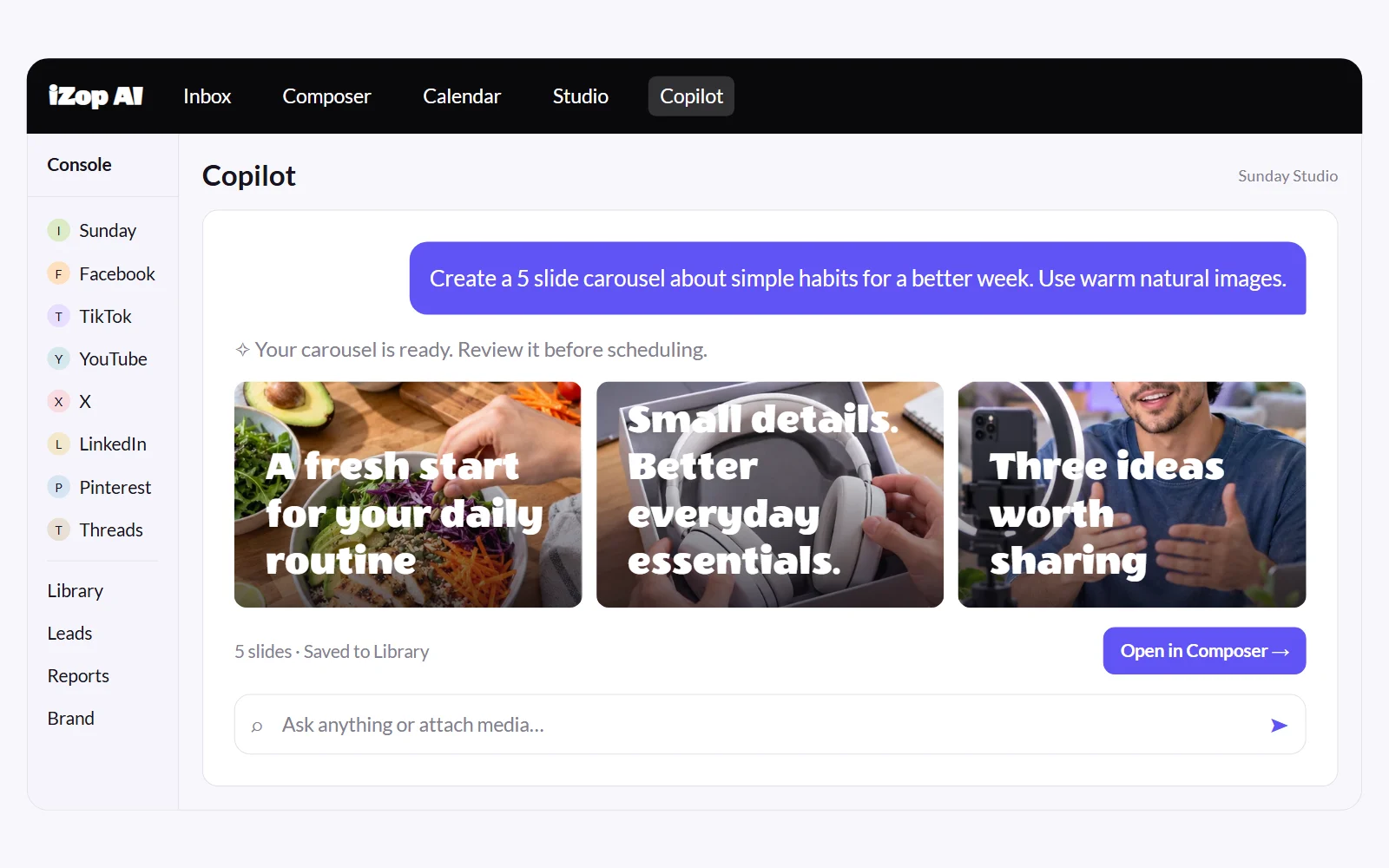
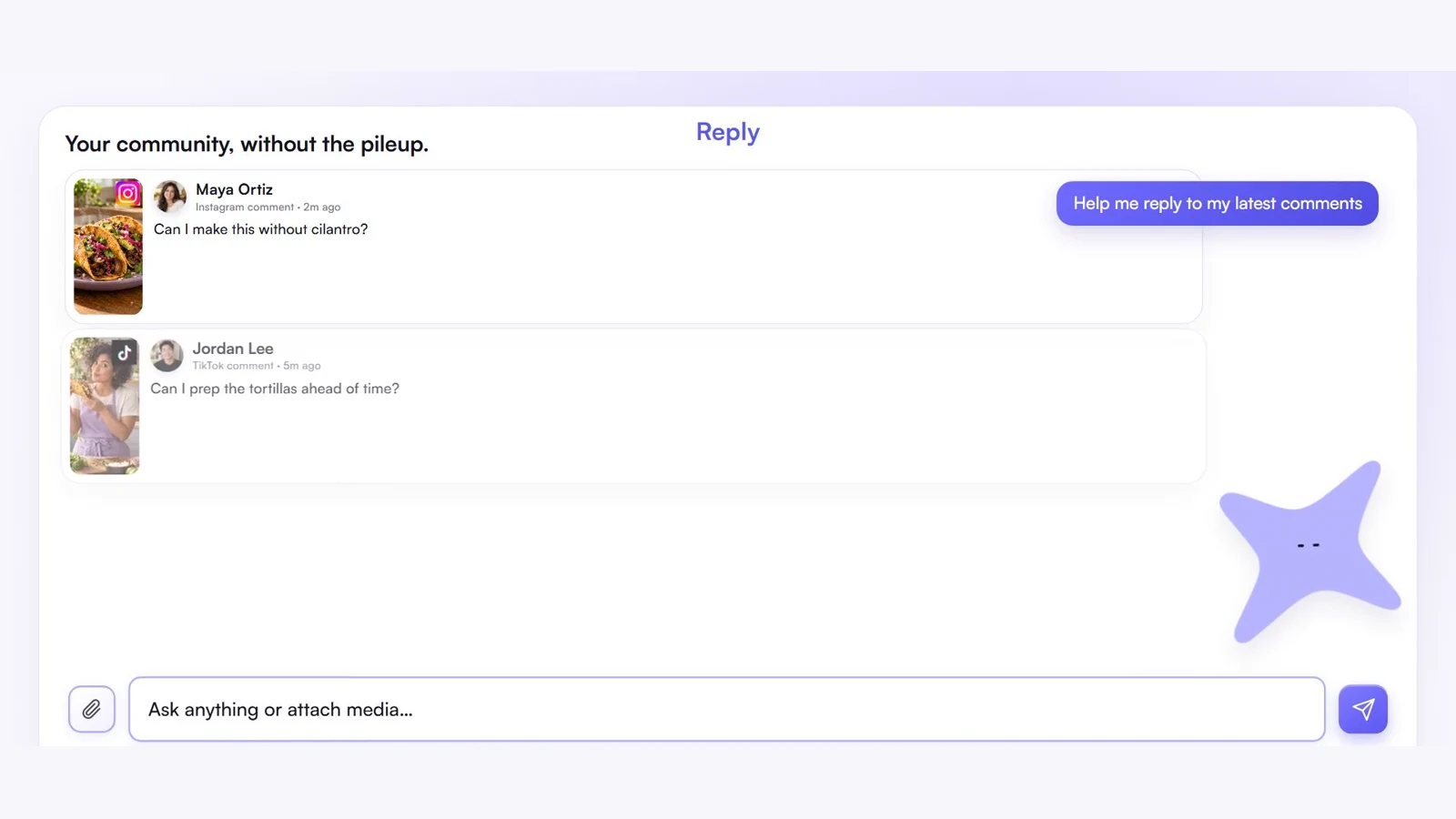
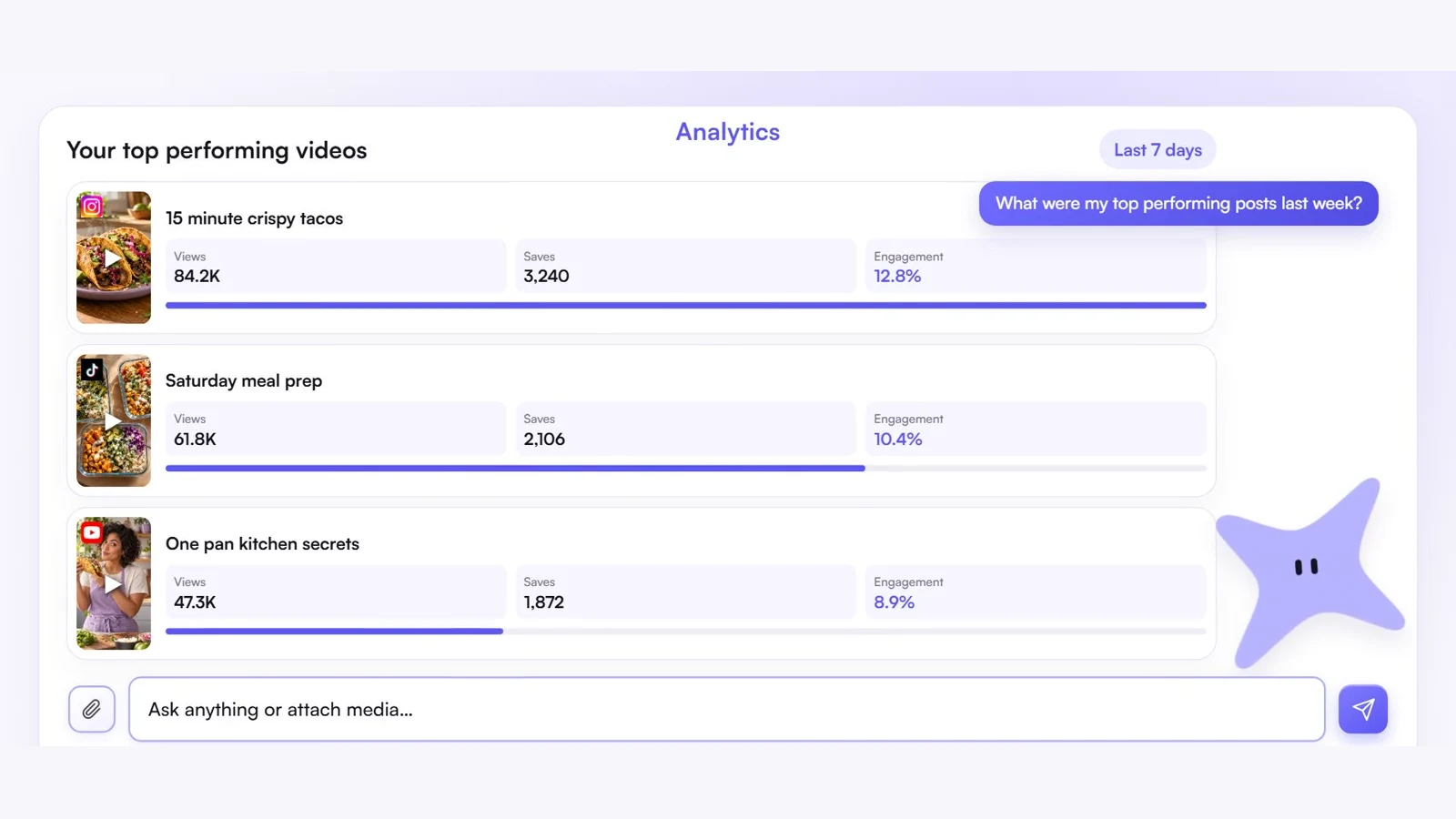
From your first idea to your next reply. See Copilot in action.

Yes. Give Copilot your brief, choose an available model and review the Spark quote before generation. Refine the result, keep it in Library and prepare the complete post for your selected platforms. Generating media does not automatically publish it.
Start with the guided brand setup. Share your website, connected socials, audience, and the way you want to sound. Review the proposed brand context and update it as your business changes. It is a starting point you control, not a claim that AI knows everything about your brand.
Copilot can prepare platform-specific drafts, open them in Composer, and help post or schedule supported content. Check the accounts, media, captions, dates, and timezone before approving an action.
From the available synced data for accounts in your active brand workspace. Ask for a date range and metric, then review the supporting numbers. Data freshness, available metrics, and history depend on the platform and connection. AI summaries should be checked before you use them in a client report.
No. Instagram, Facebook, and X support comments and messaging where your account permissions allow it. YouTube, LinkedIn, and Threads support comments. TikTok and Pinterest interactions open on the platform. Copilot can help you draft a response, but available actions depend on the channel.
Yes, with the brand workspaces available on your plan. Switch to the right brand first. Copilot scopes connected-account data to the active brand, so check your workspace before requesting analytics, drafting content, or taking action.
You can try Copilot with the allowance shown for your plan. Media generations use Sparks, with a quote before generation. Message allowances and media costs are separate from publishing, account and workspace limits. Lead scanning is available on Starter and above. See pricing for current limits and platform add-ons.
No credit card required.